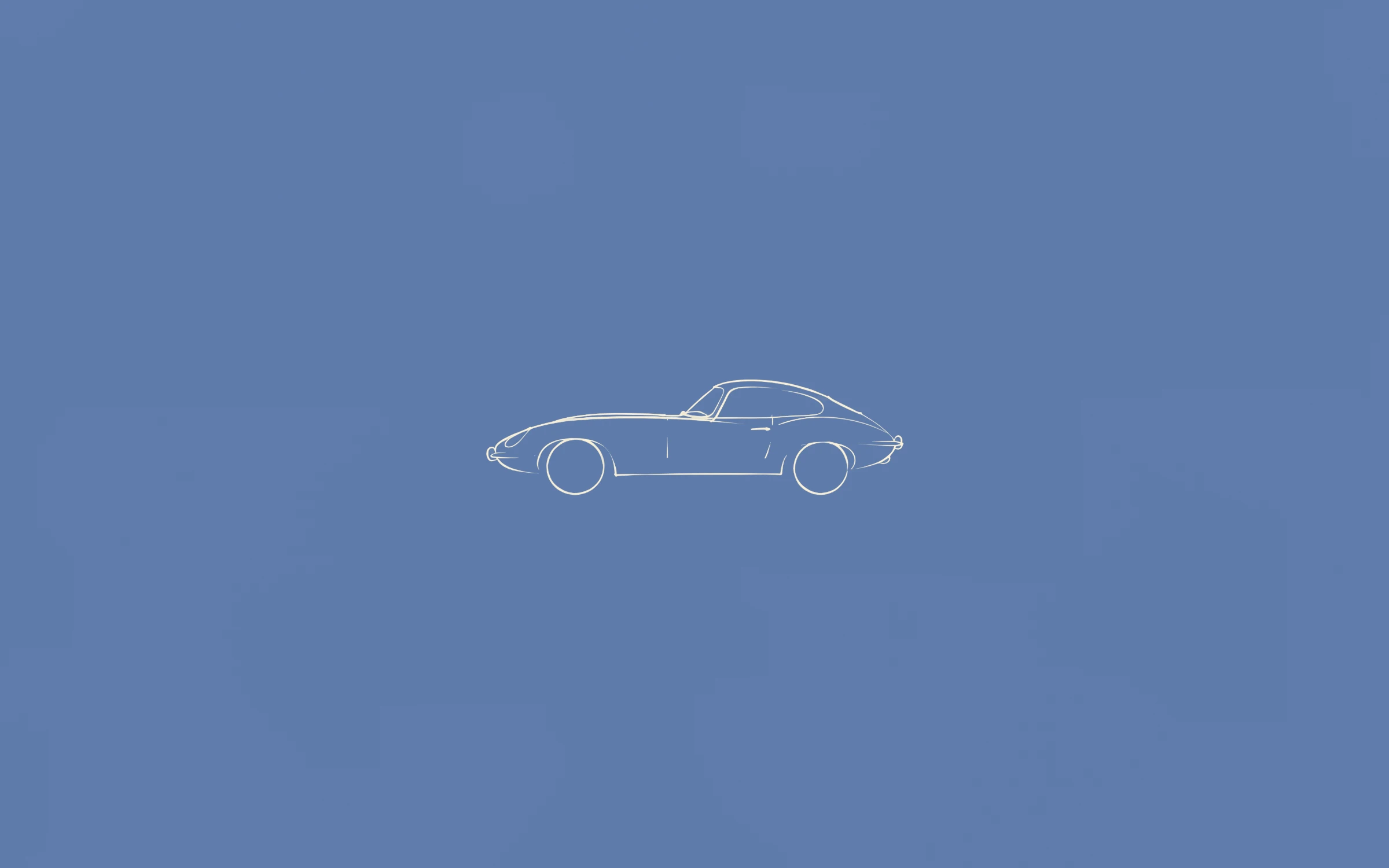
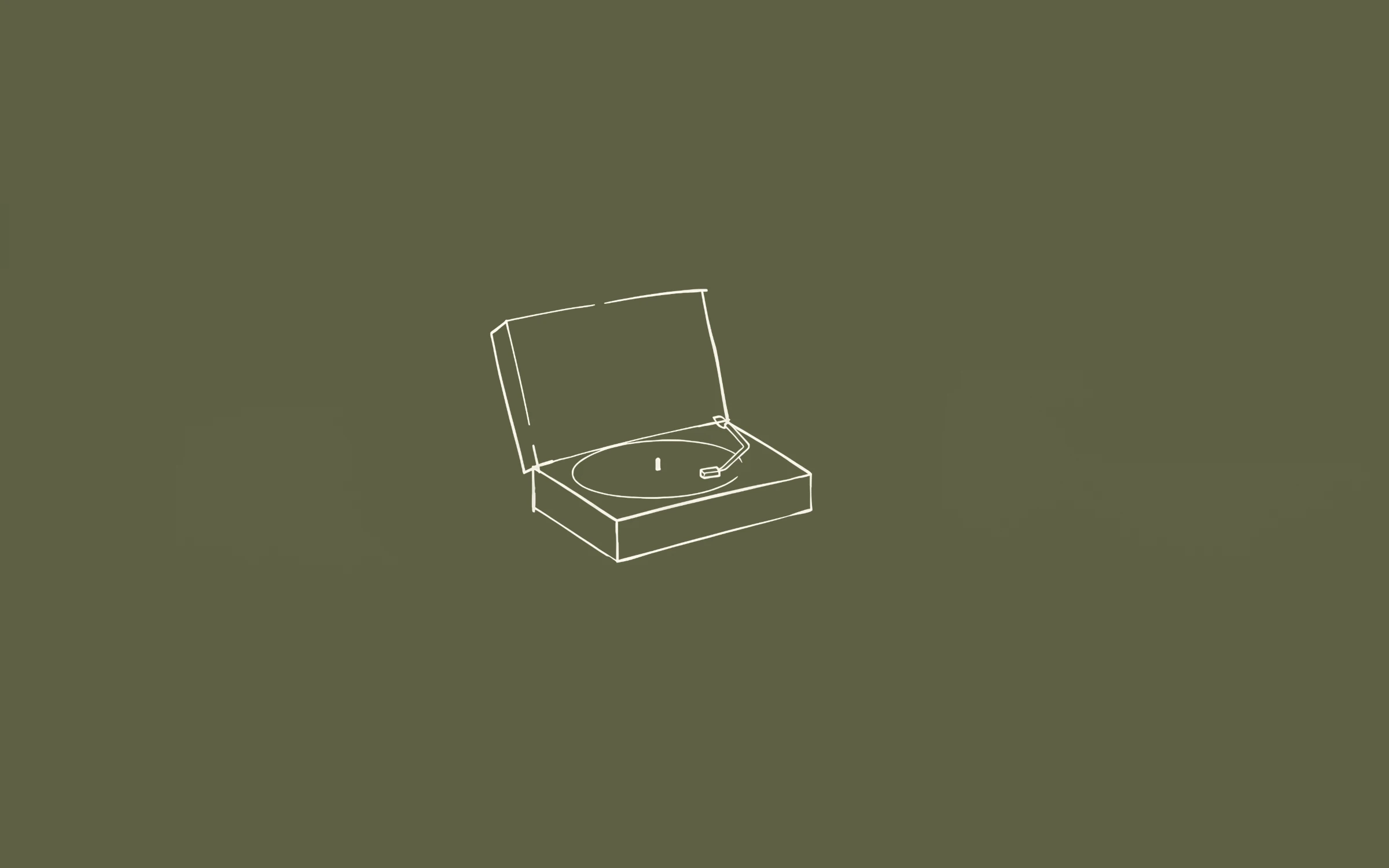
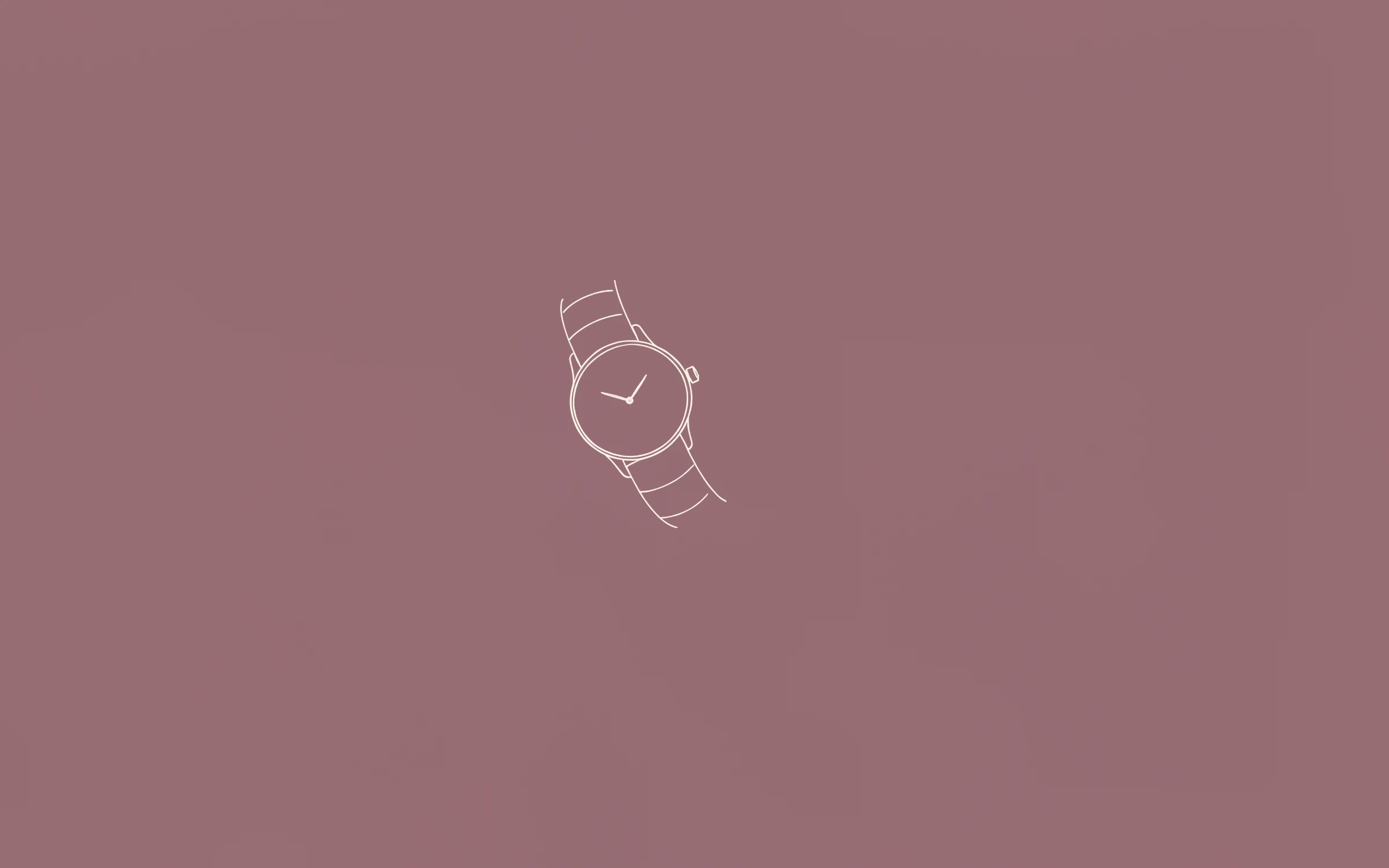
 Most PopularPreview+20 more inside
Nº1
Première
Phone versions of the sets are being prepared. When each one is ready it is added to that set’s existing download link, so anyone who already owns the desktop set gets it automatically — no second purchase.
Most PopularPreview+20 more insidePremière
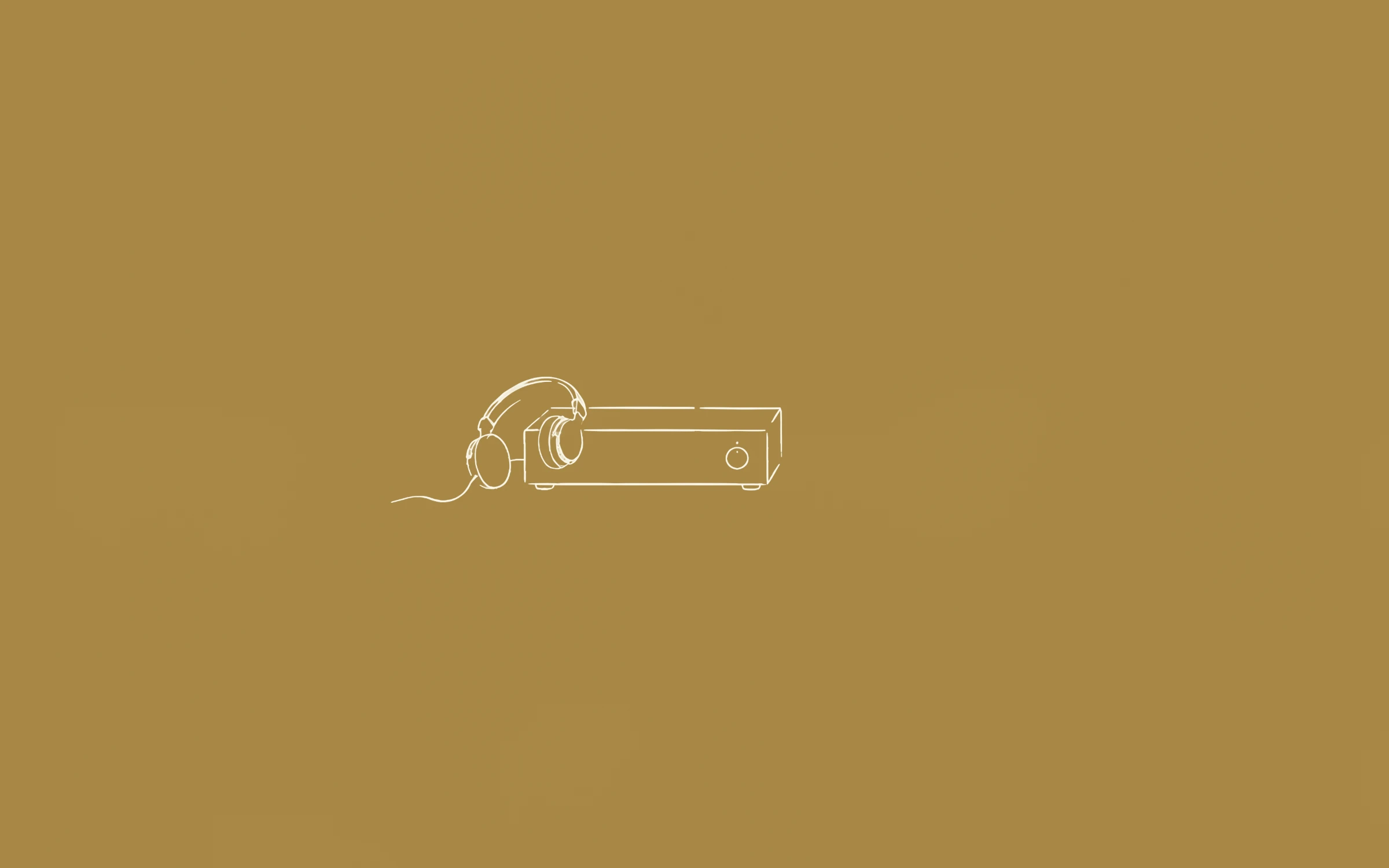
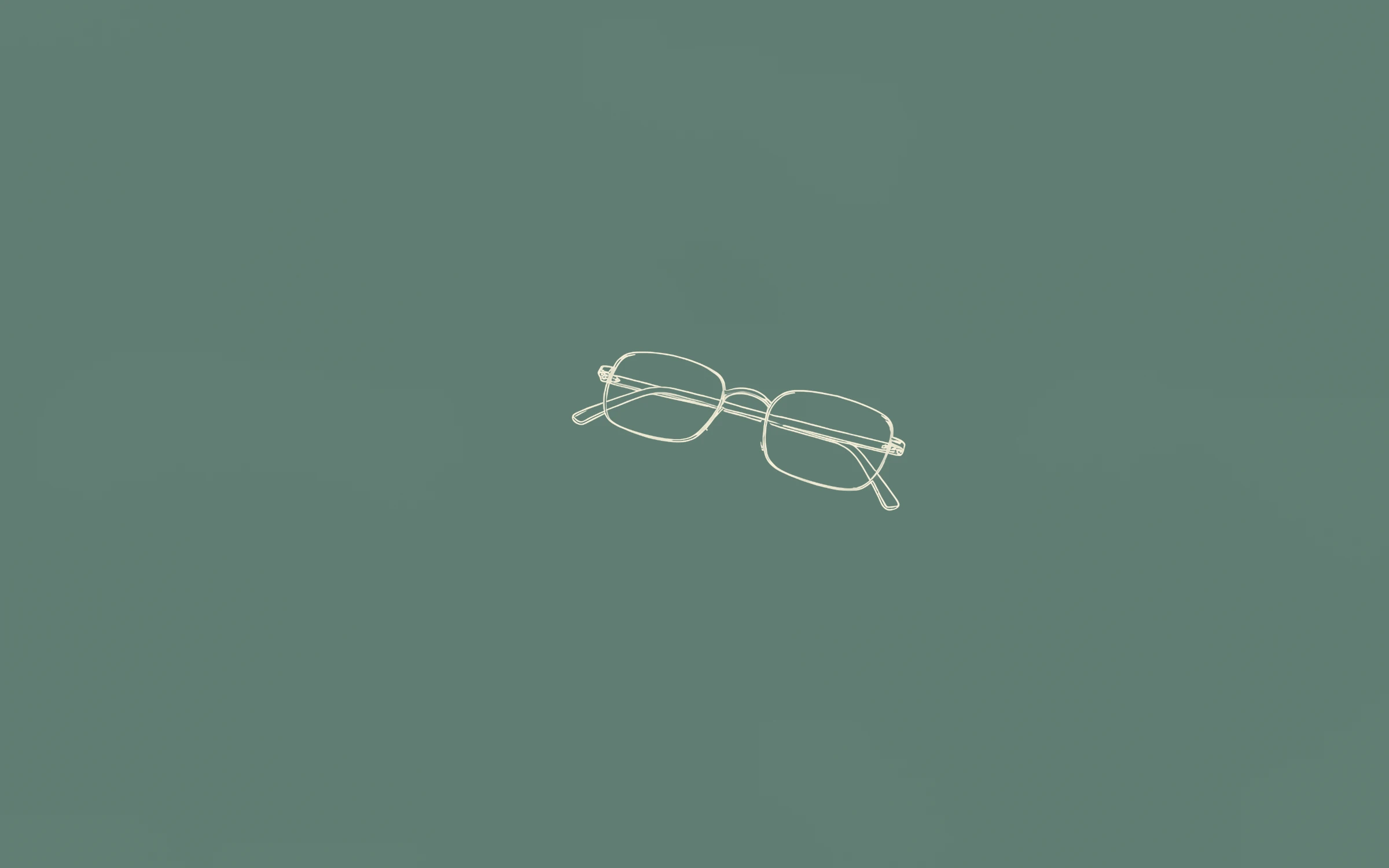
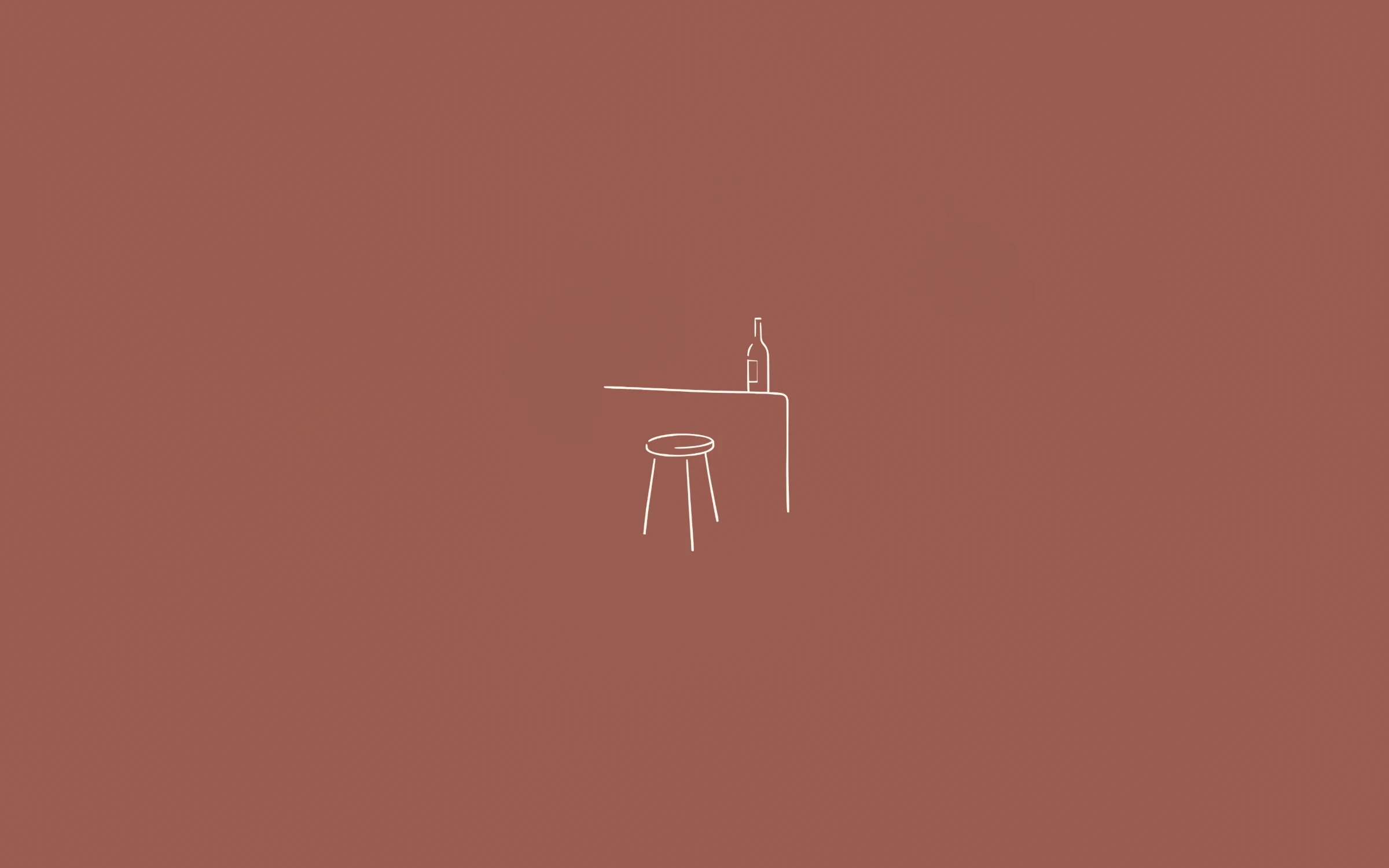 Preview+20 more inside
Deuxième
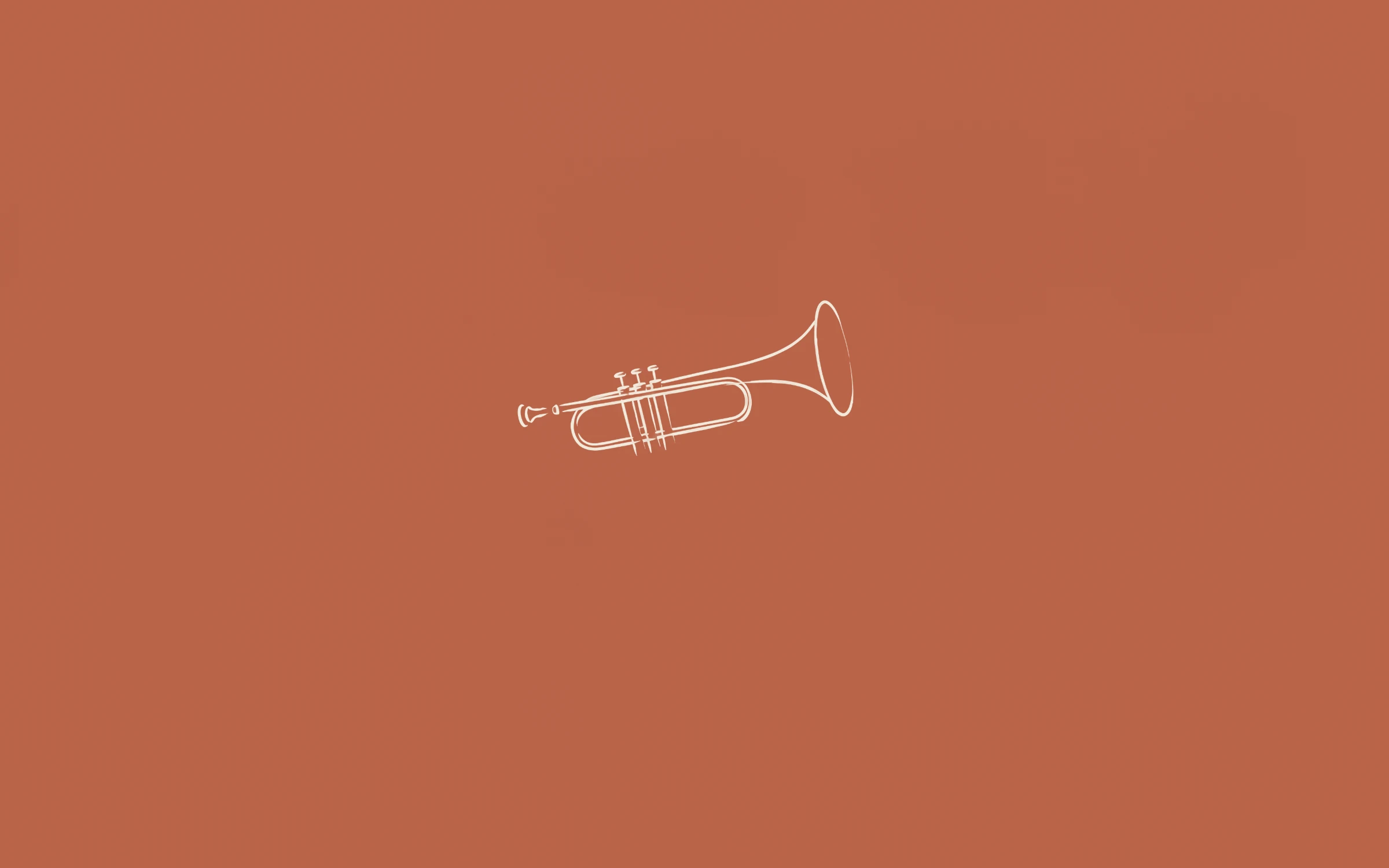
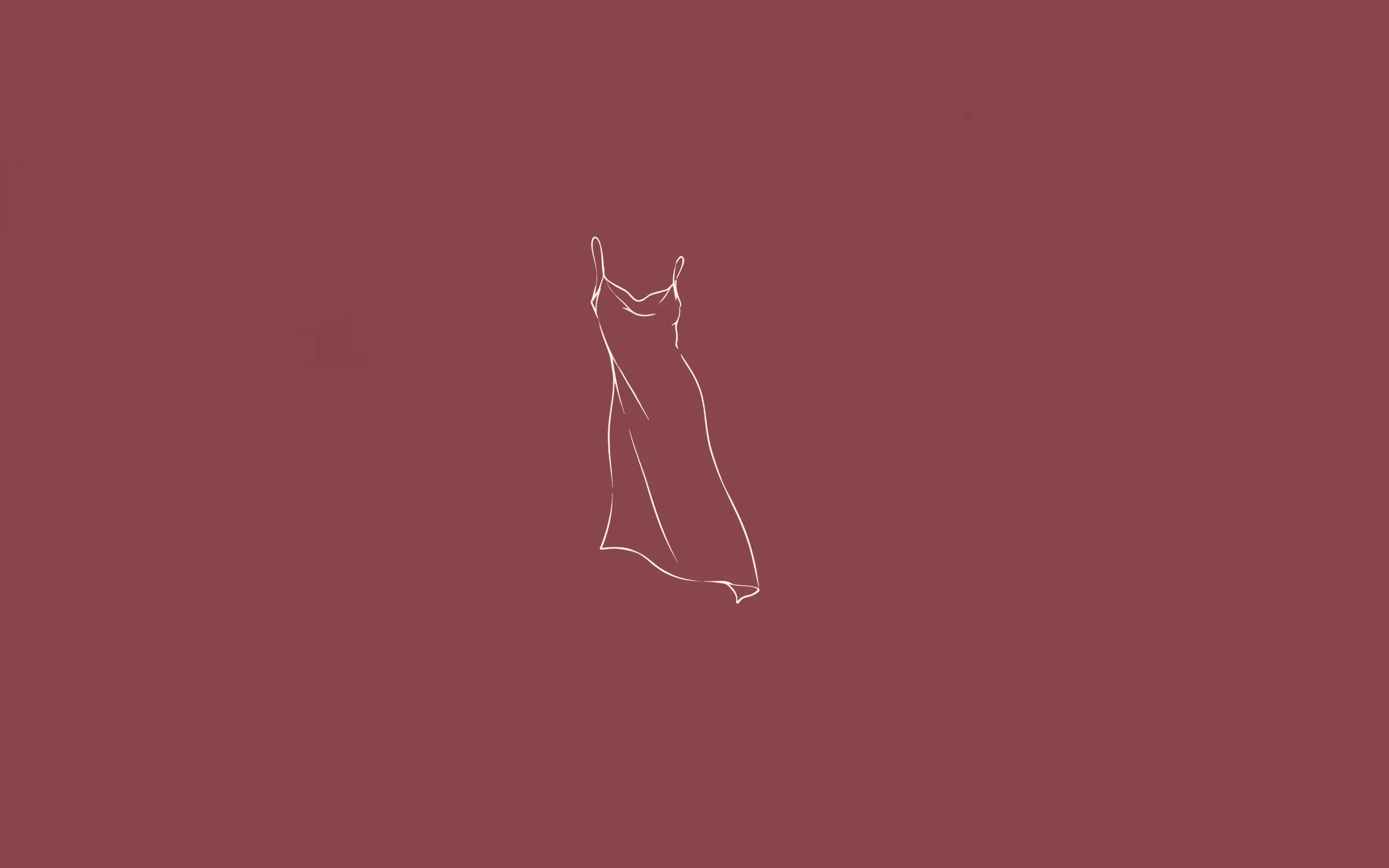
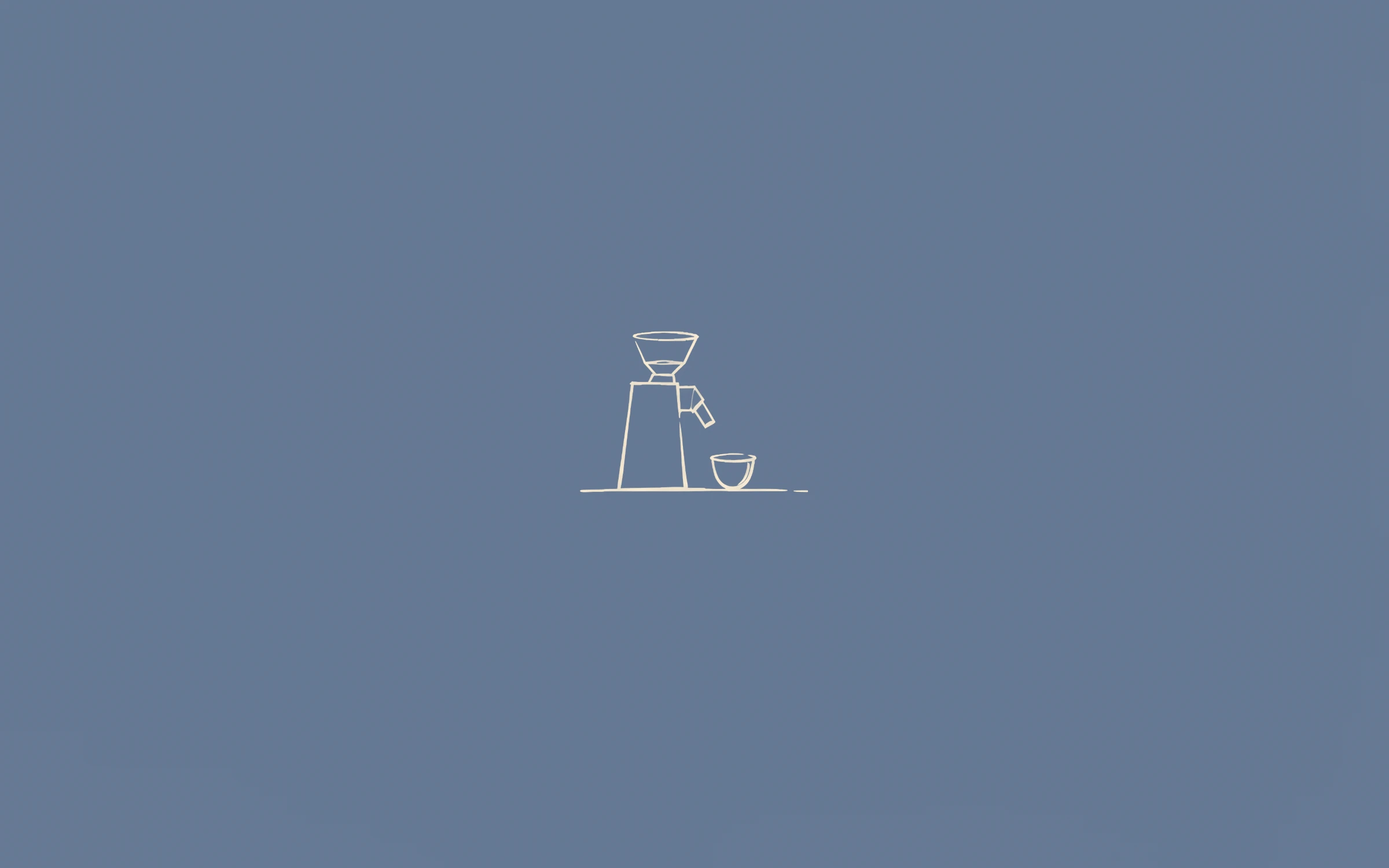 Preview+20 more inside
Troisième
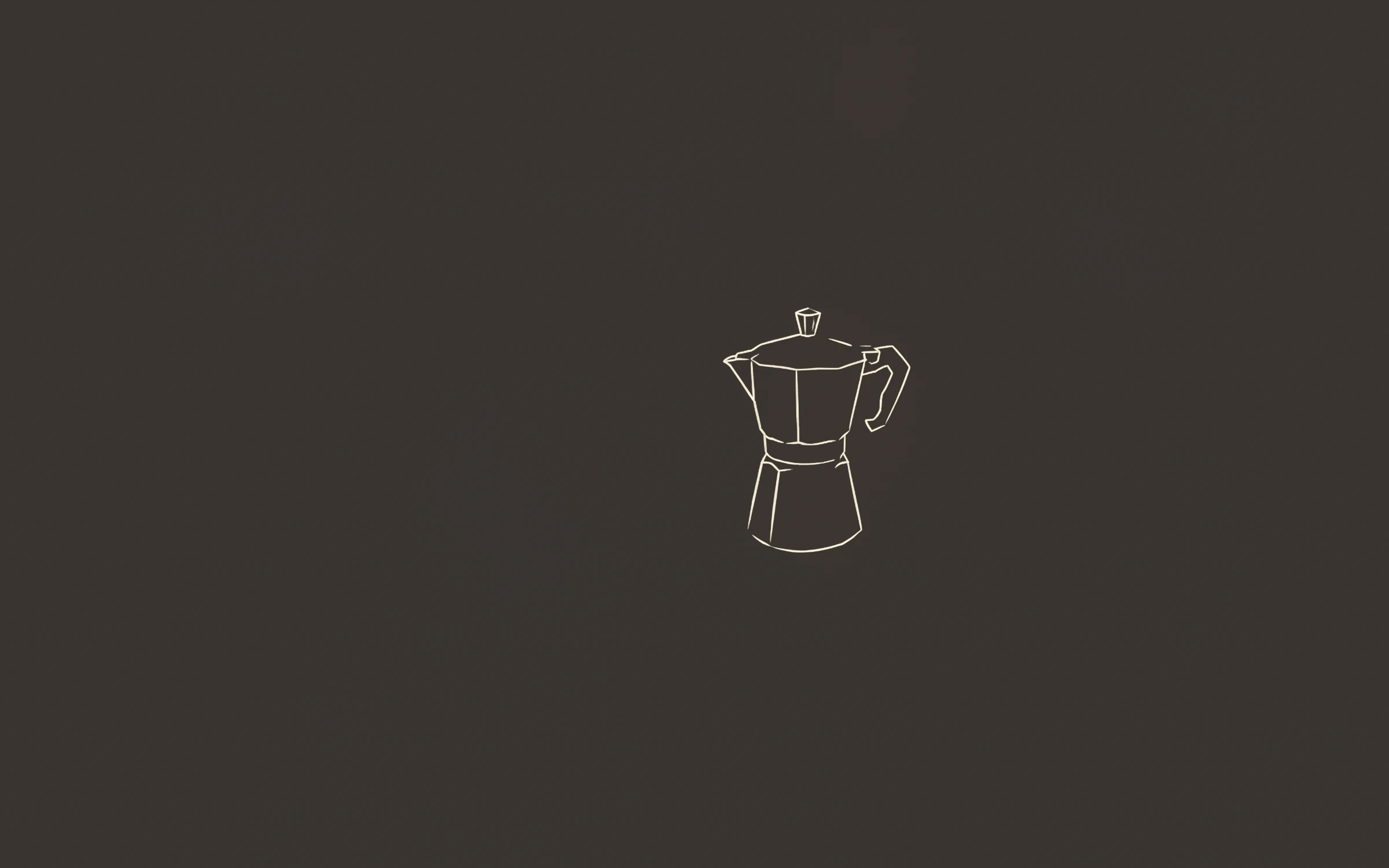
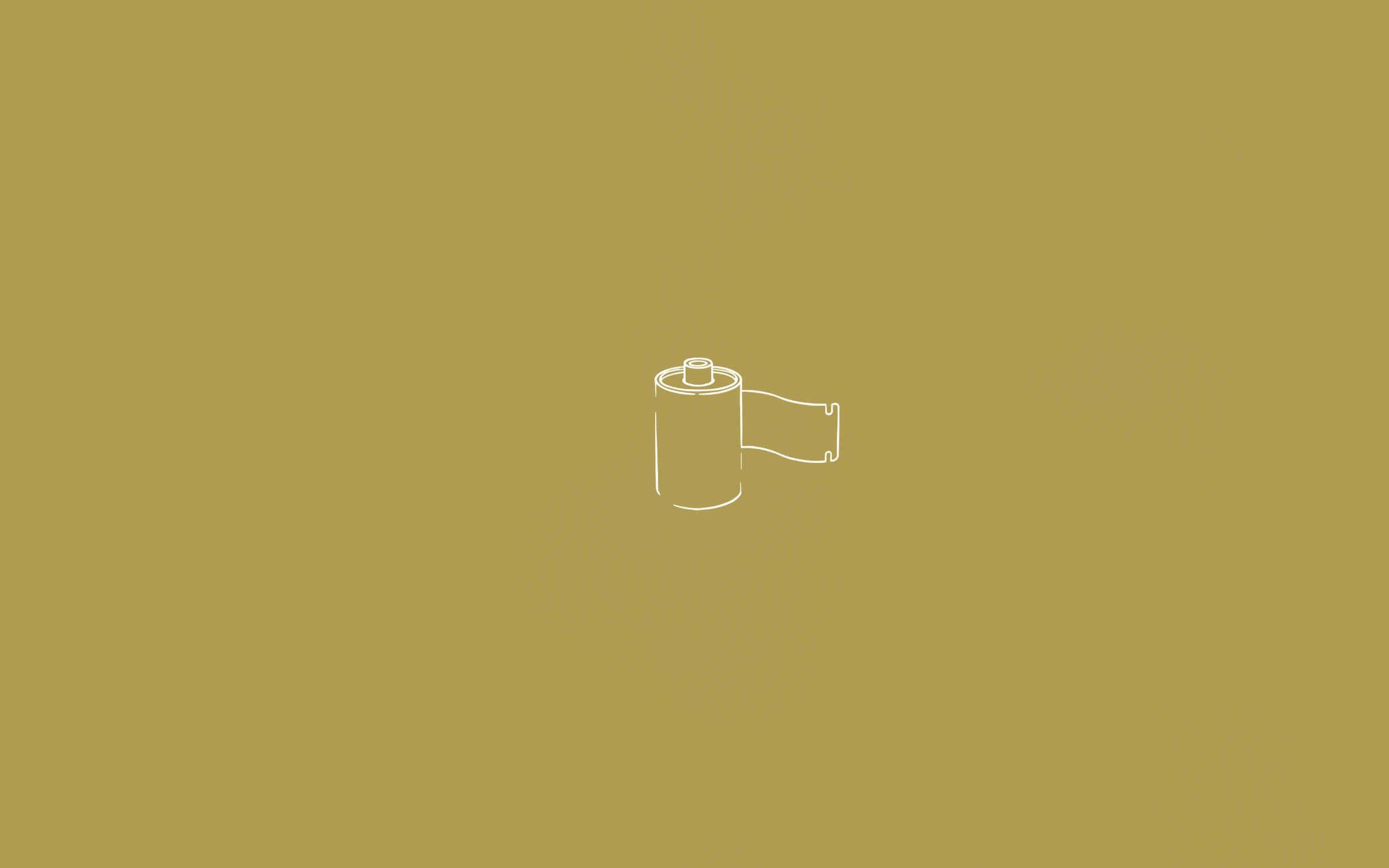
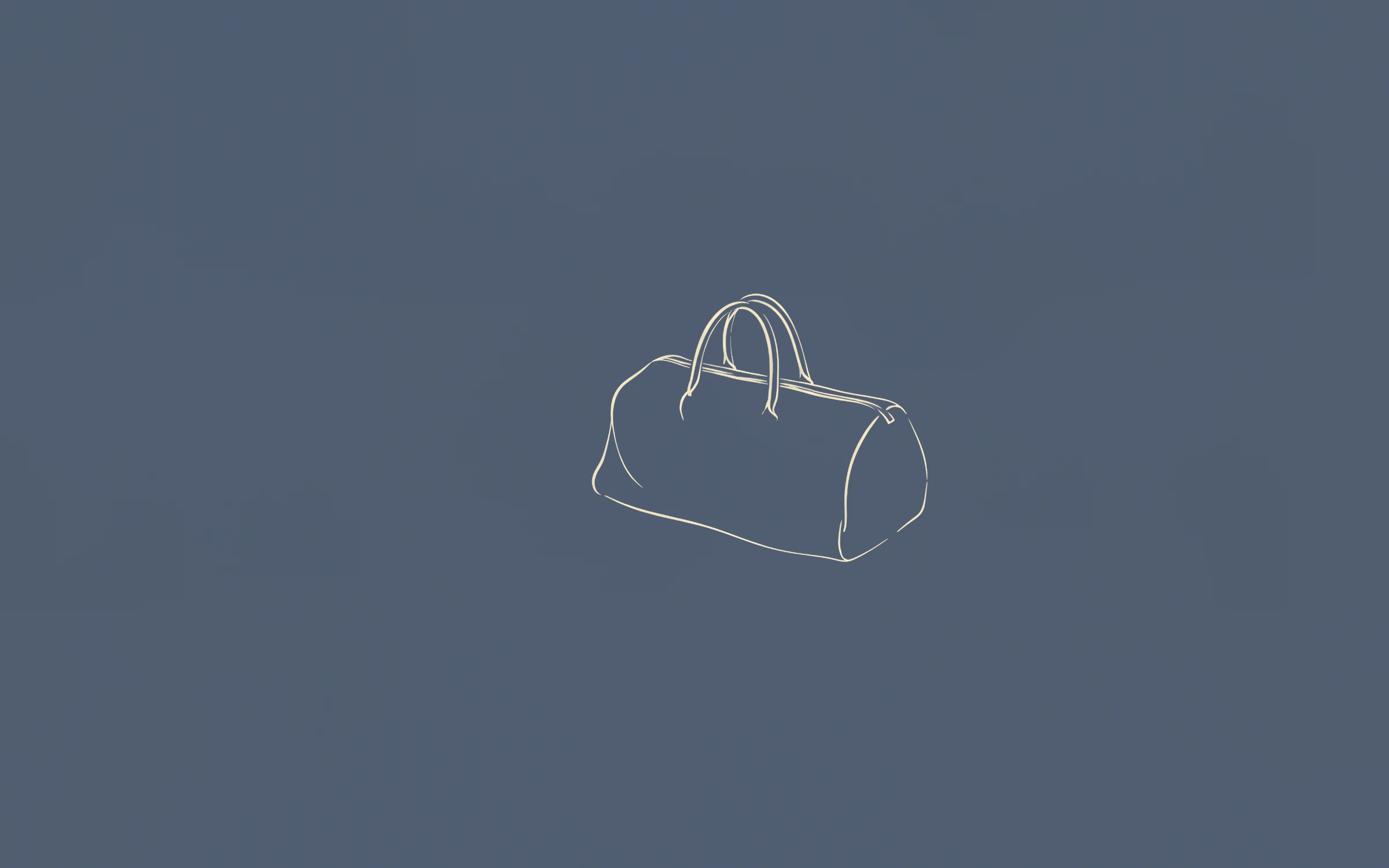
 Preview+63 more inside
L’Intégrale
The phone versions use the same drawings and colours as the desktop wallpapers, made for a tall screen with room for the clock and widgets at the top.
Until then, you can still use a desktop wallpaper on your phone: open it full size from your download link, save it, and position it with a pinch when you set it.
Save the image to Photos, open it, tap Share → Use as Wallpaper, adjust it and tap Add. To rotate a set, put the images in an album and choose Photo Shuffle when you add a new wallpaper. Our iPhone wallpaper size guide lists the exact resolution of every model.
No. Phone versions are delivered to your existing download link at no extra cost.
They are made for the tall screen shape of every iPhone with Face ID, and will also suit most modern Android phones.
Also see: Line art wallpapers · Minimalist wallpapers · Aesthetic wallpapers · MacBook wallpapers · 4K desktop wallpapers · Free wallpapers
Guides: MacBook wallpaper size for every model · iPhone wallpaper size for every model · How to change your wallpaper on a Mac · How to set a wallpaper slideshow on Windows 11