 Most PopularPreview+20 more inside
Nº1
Première
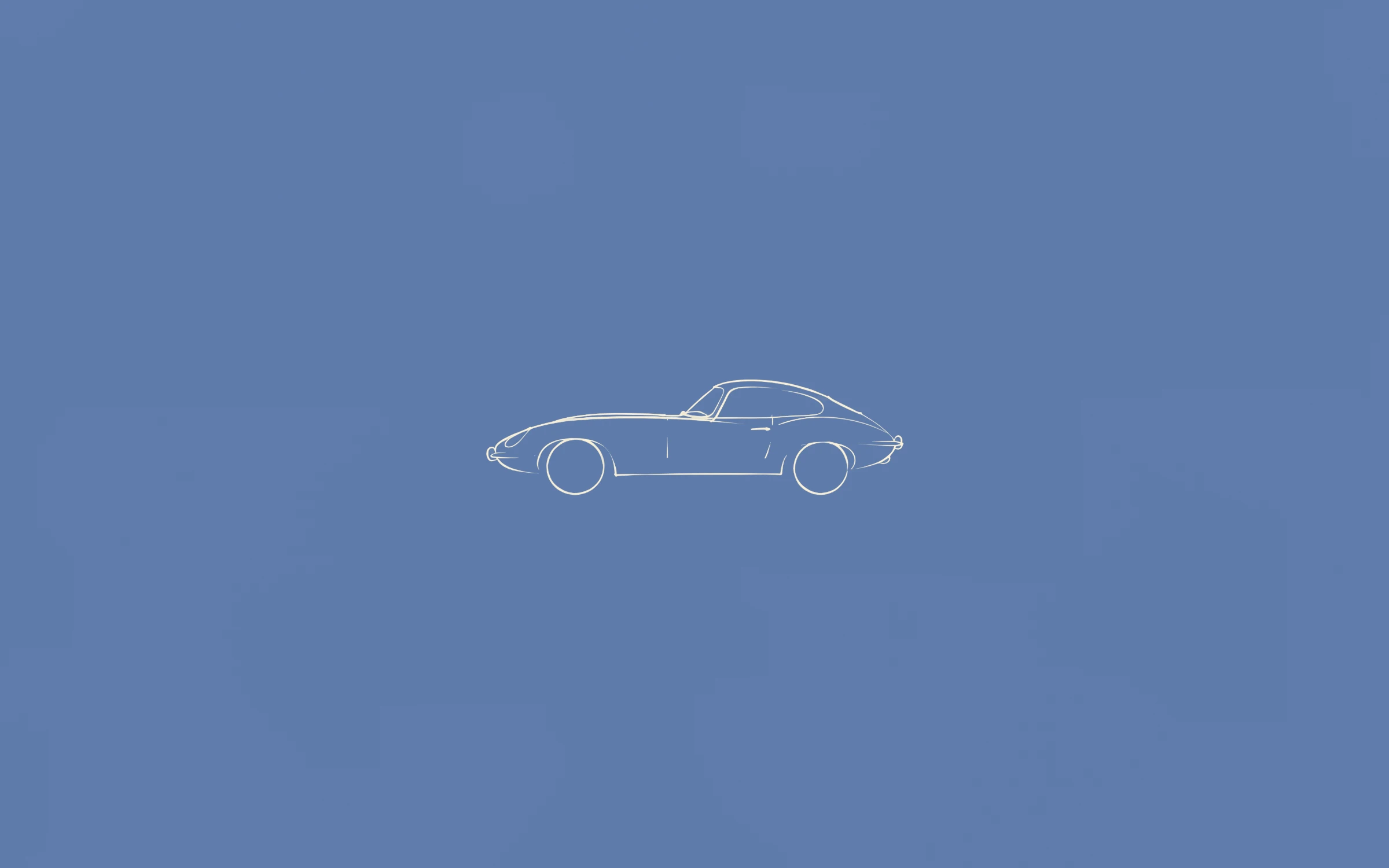
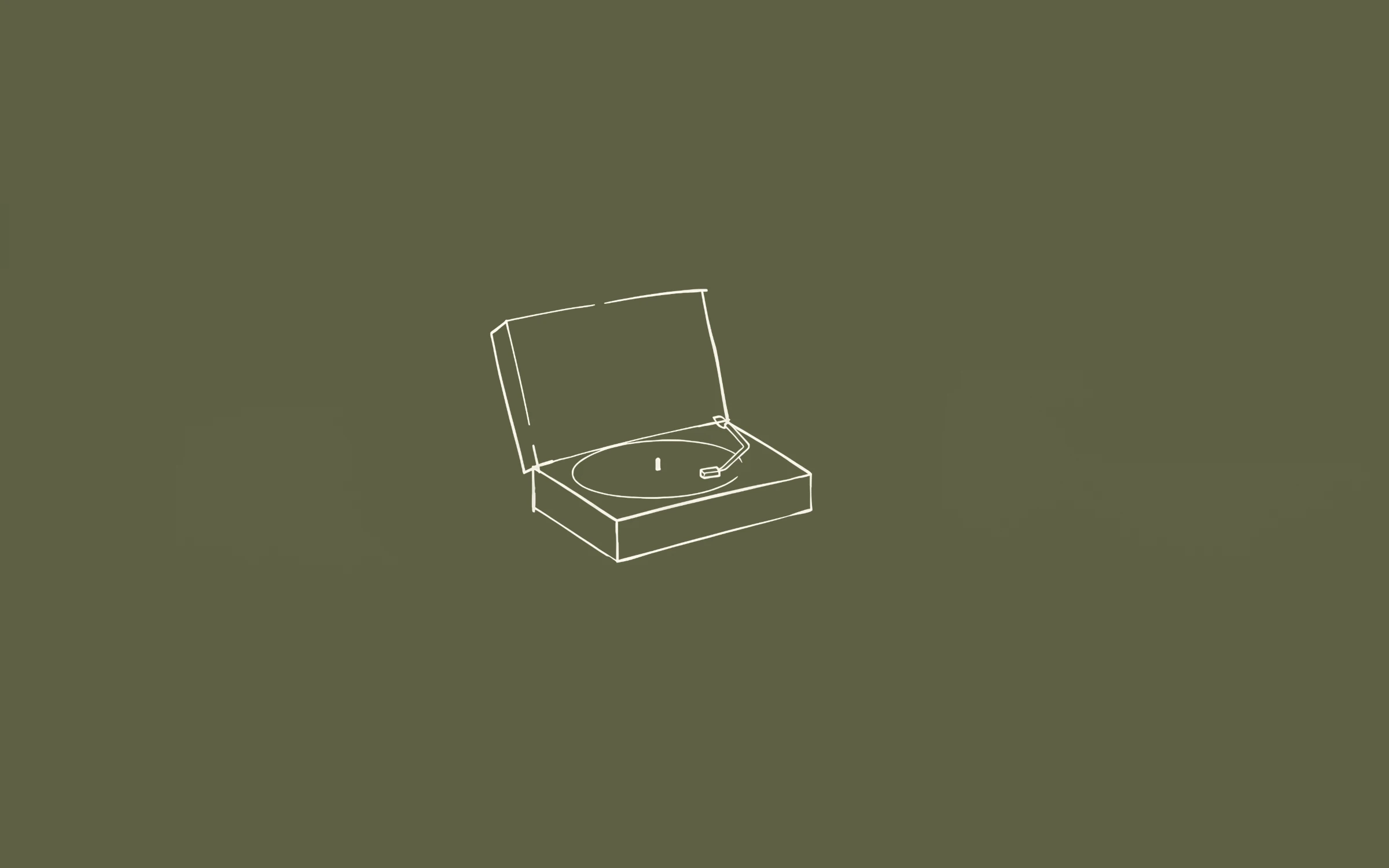
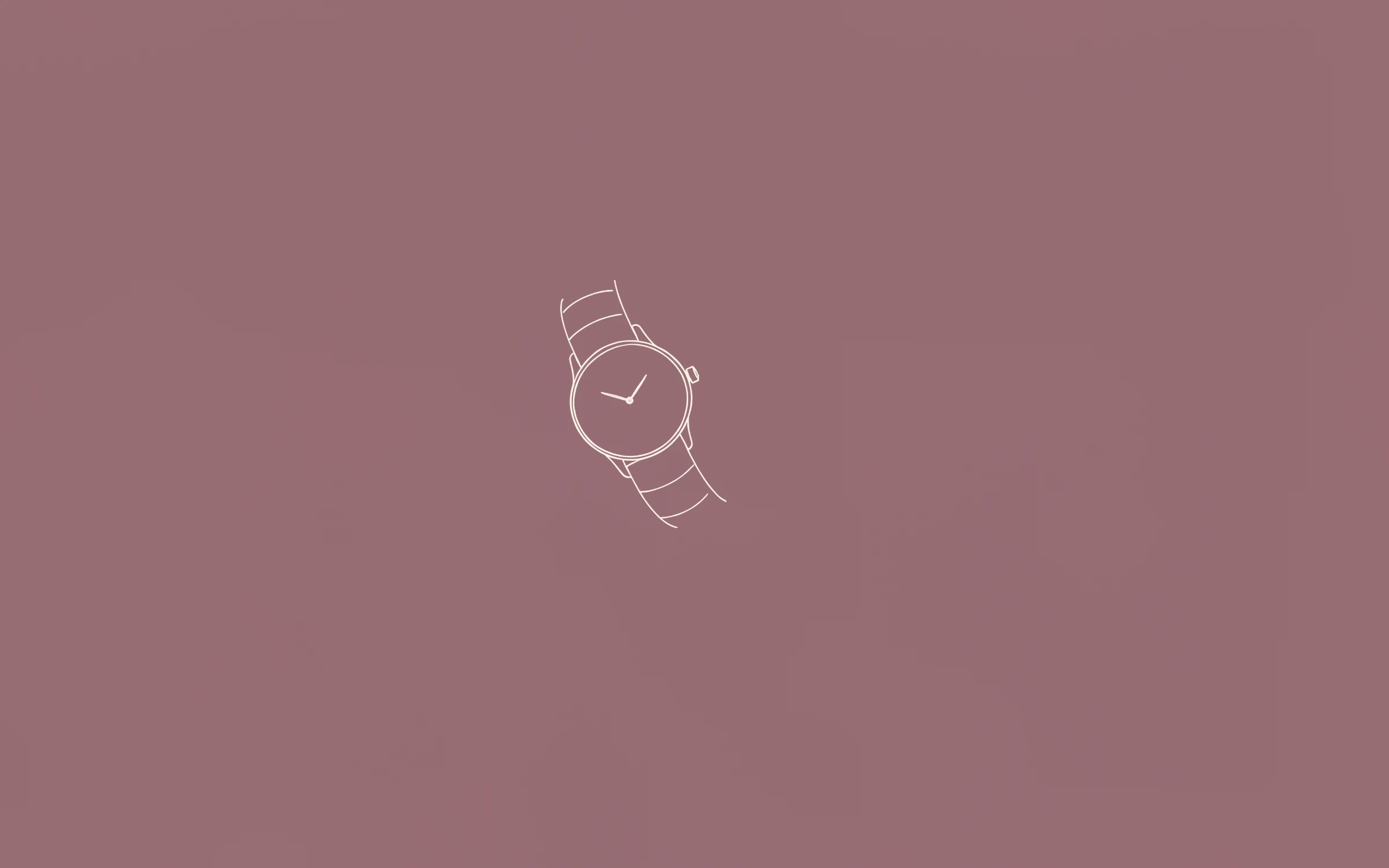
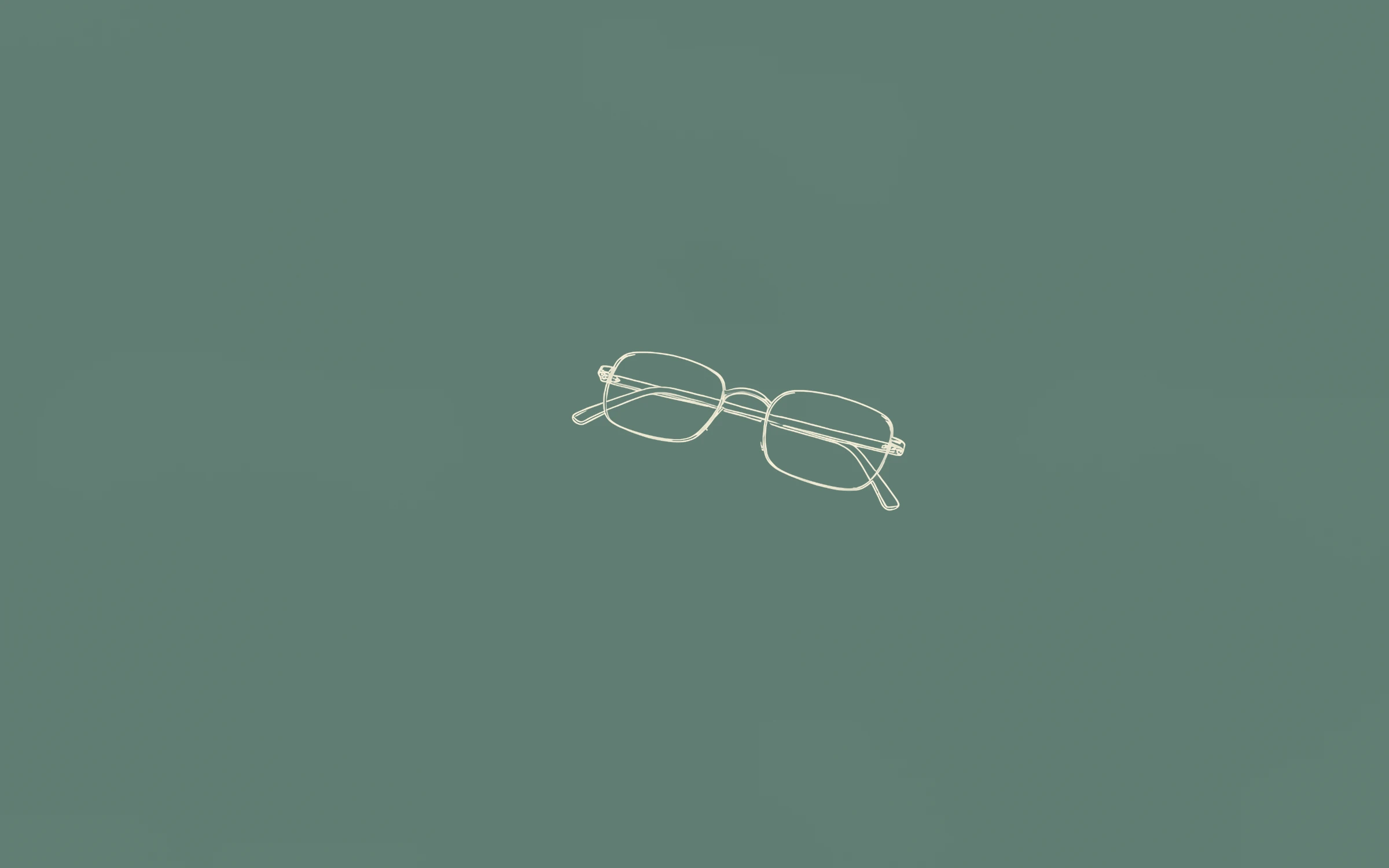
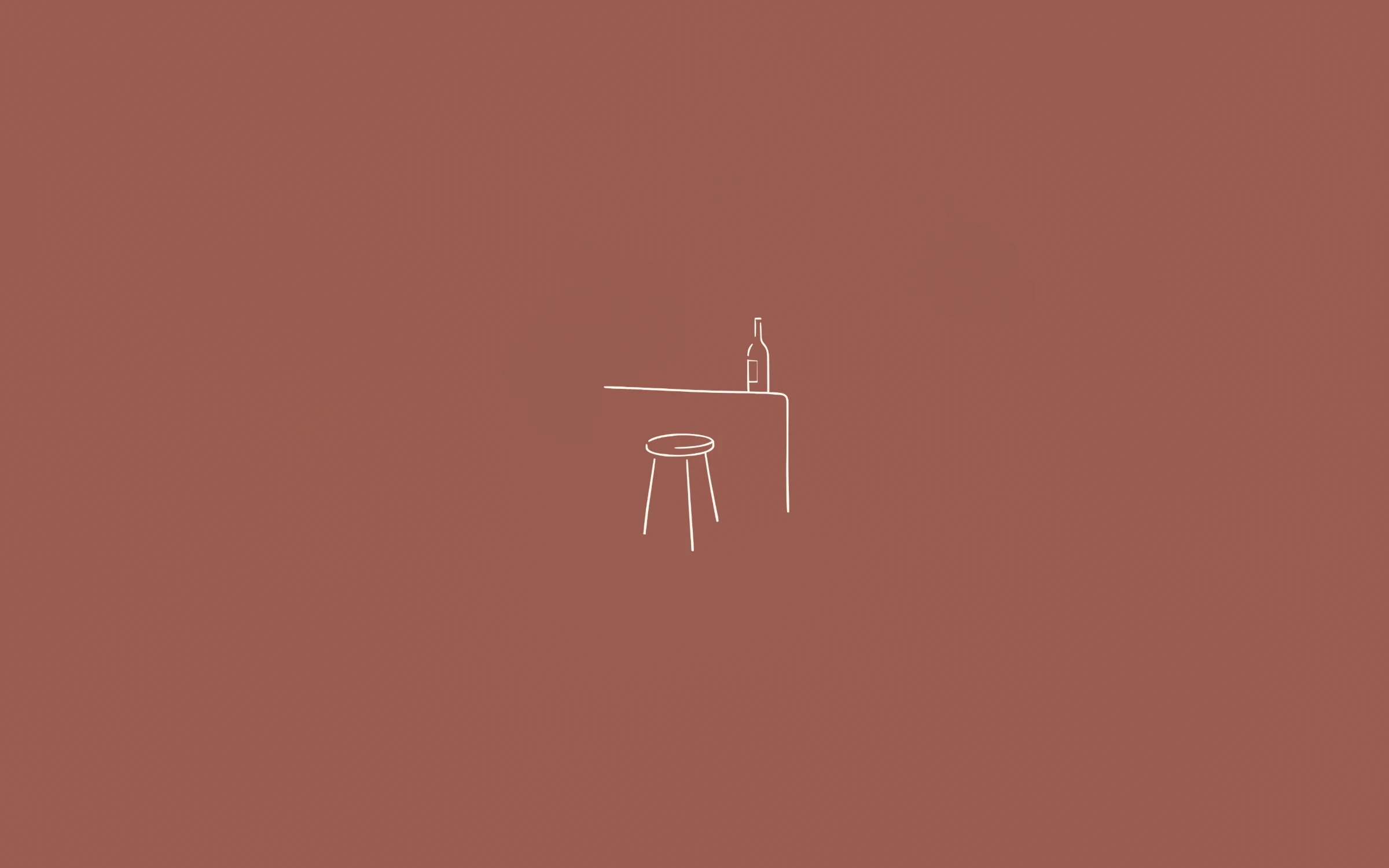
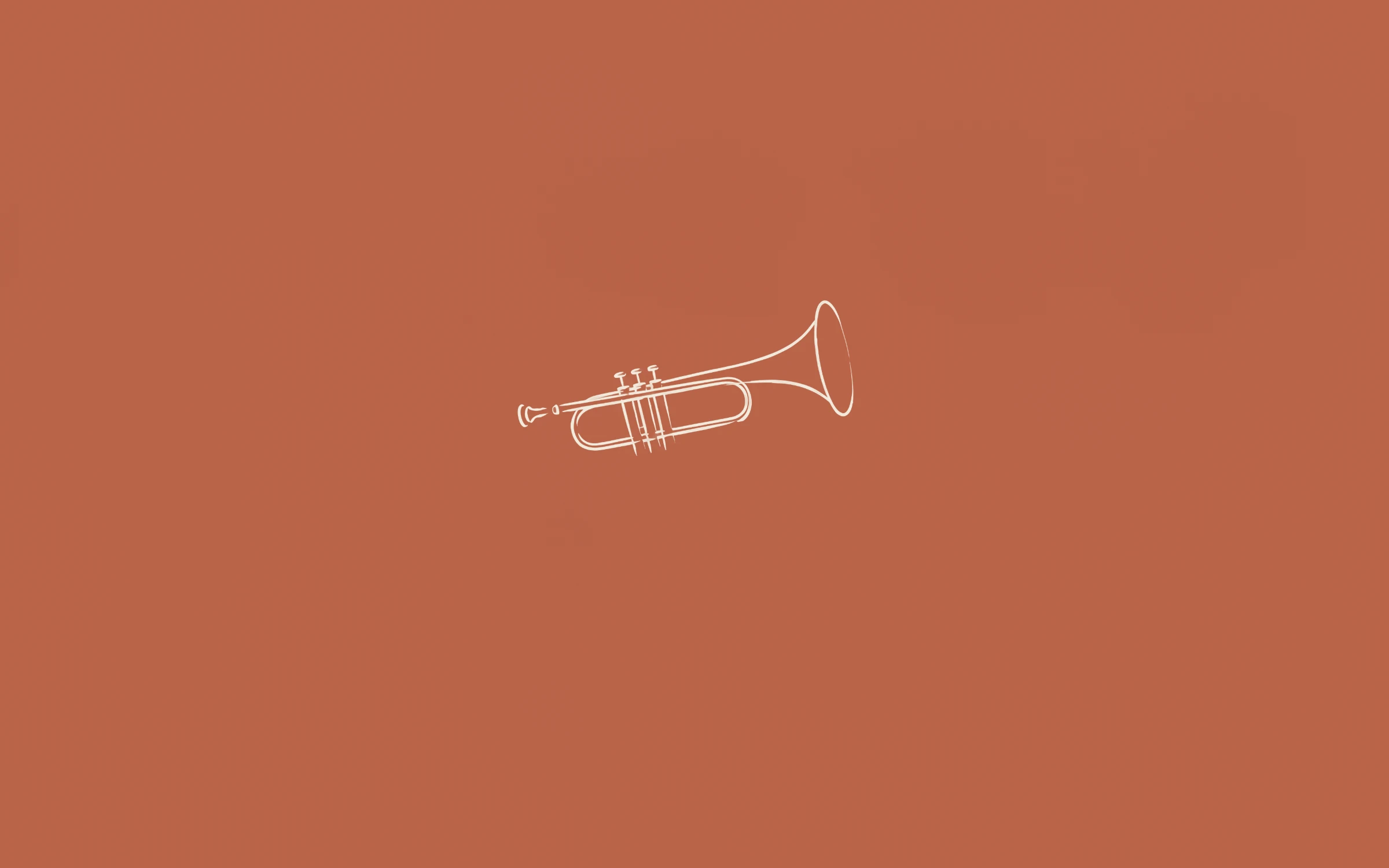
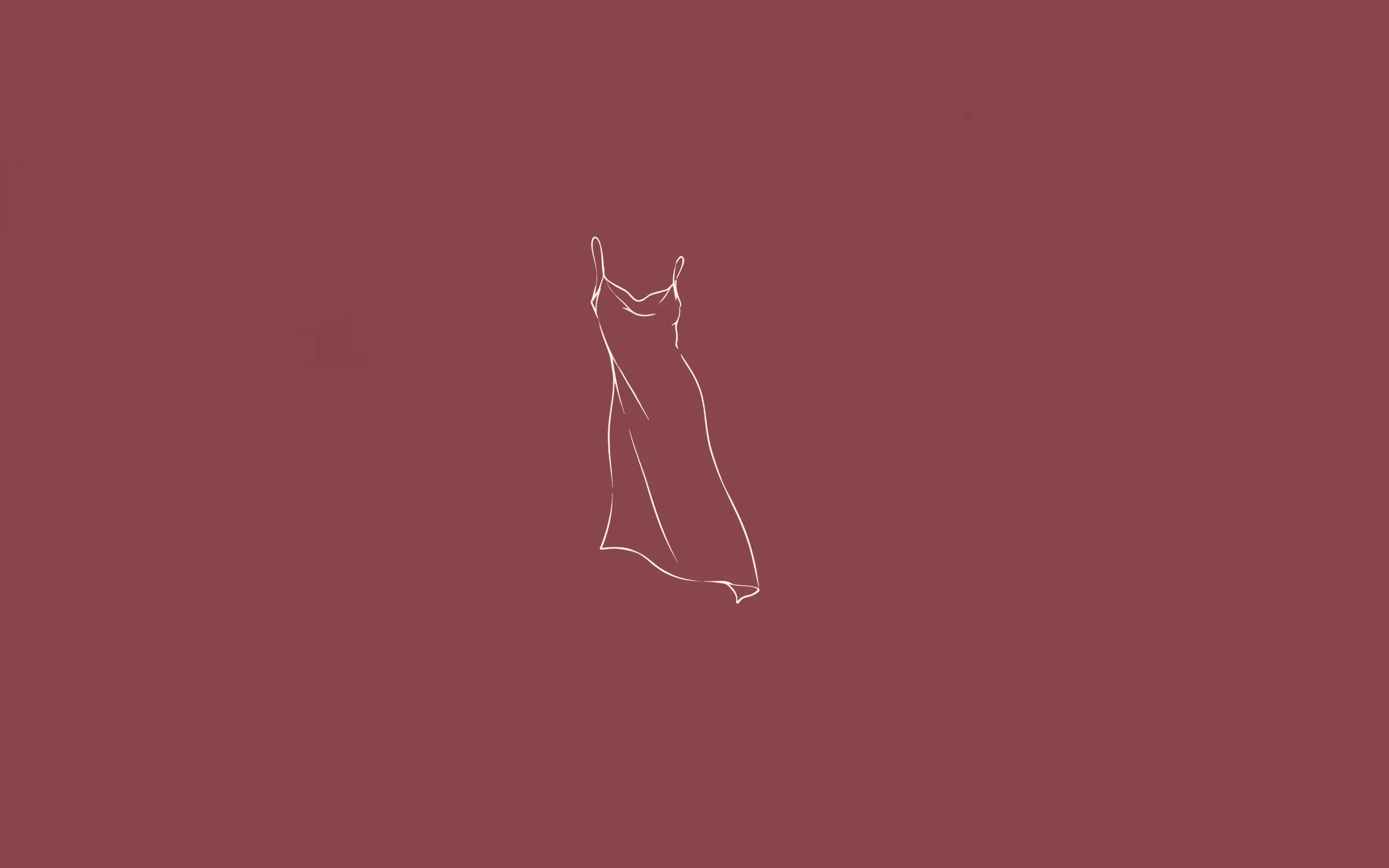
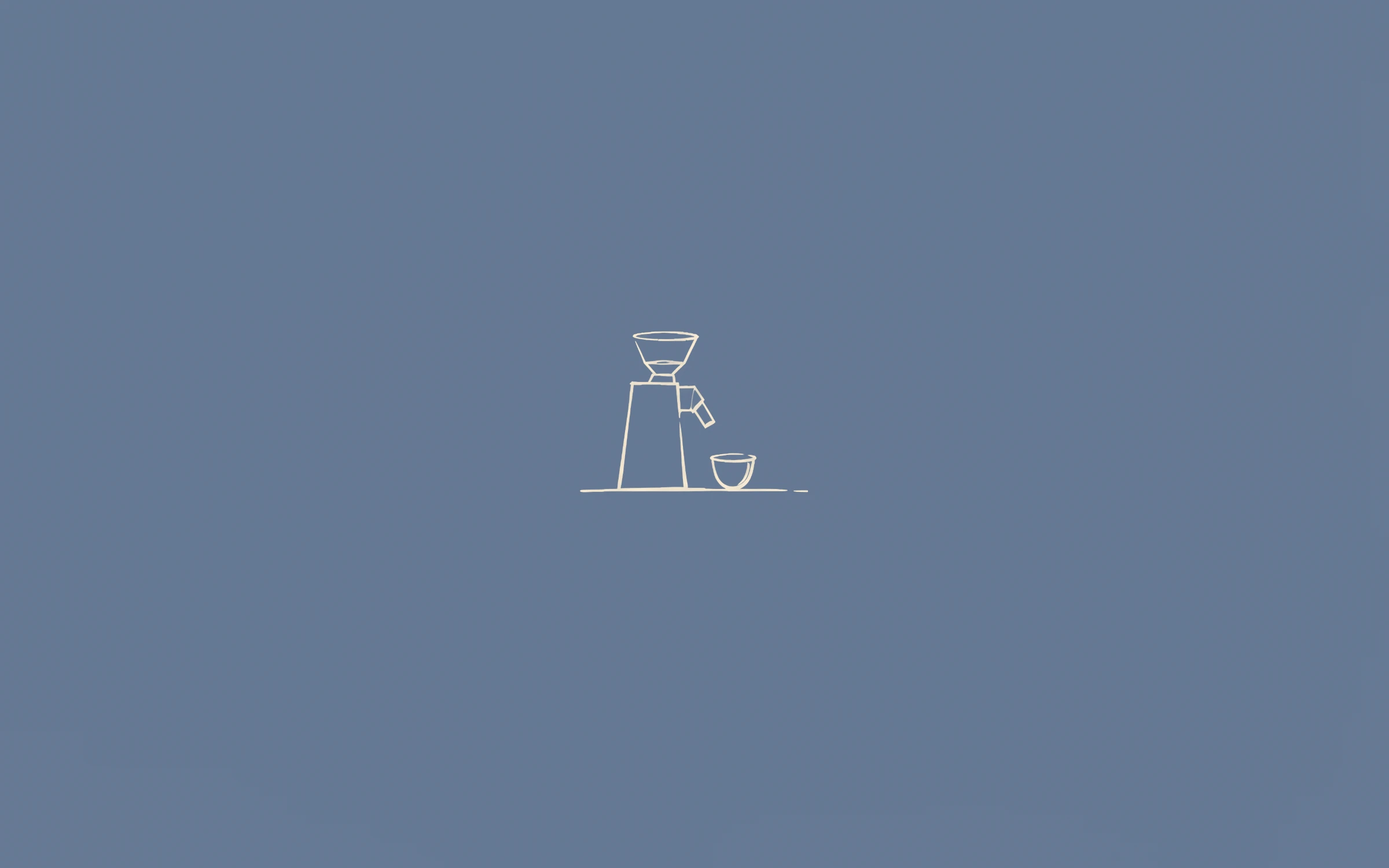
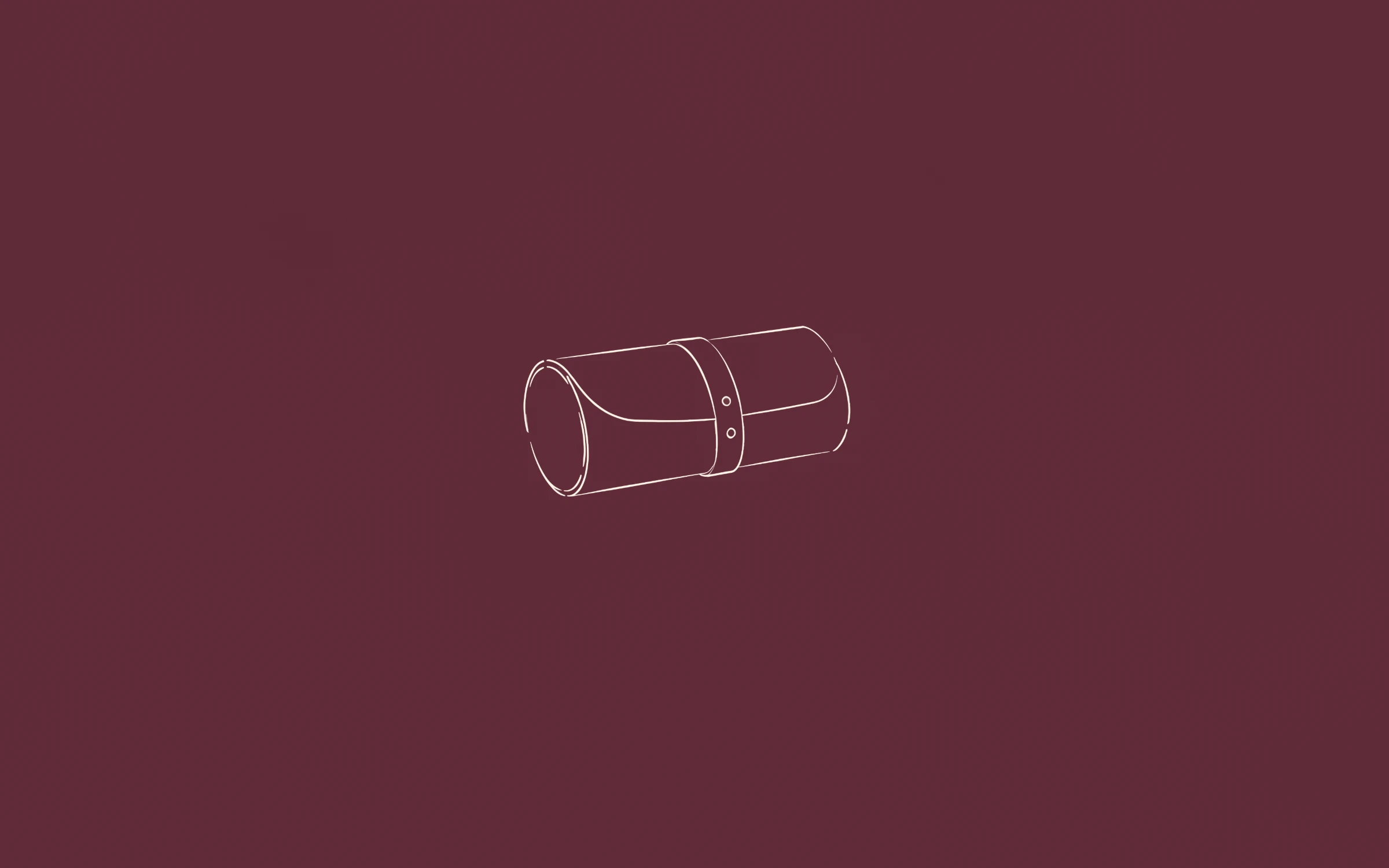
MacBook screens are tall and wide, with a notch in the middle of the menu bar on recent models. A wallpaper with one small drawing and lots of open colour suits that shape: nothing important sits under the notch, the menu bar or the dock.
Most PopularPreview+20 more insidePremière

 Preview+20 more inside
Deuxième
 Preview+20 more inside
Troisième
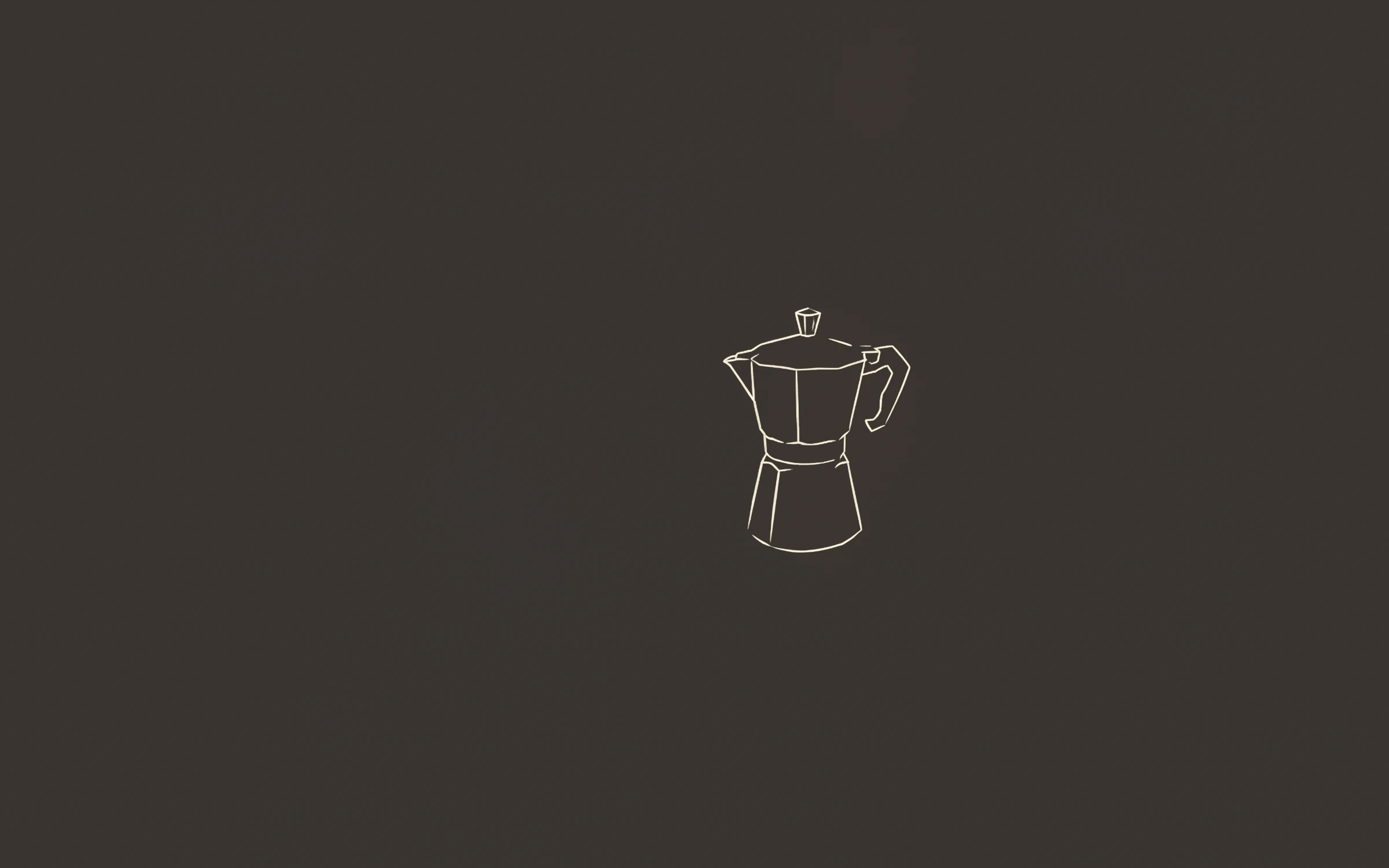
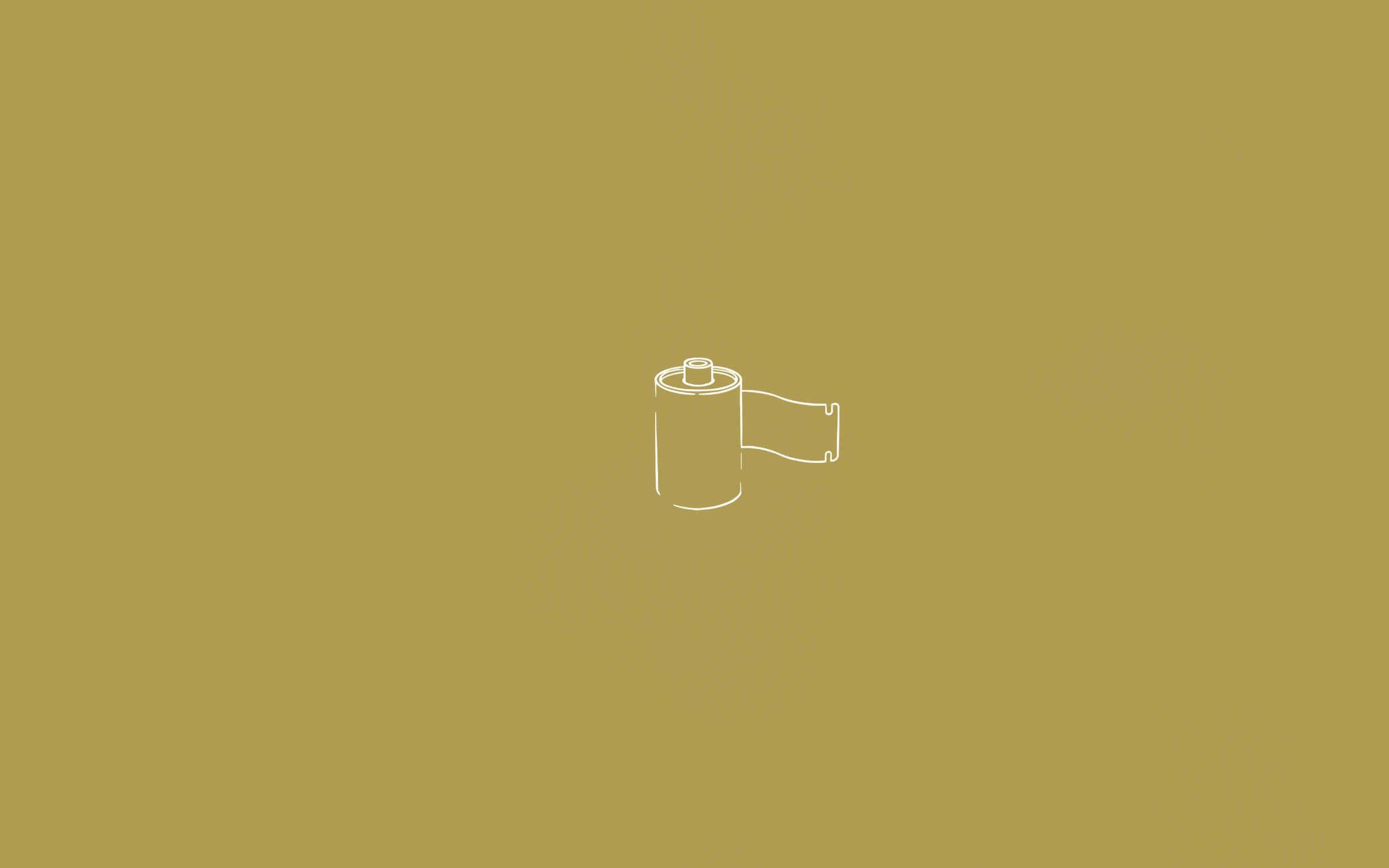
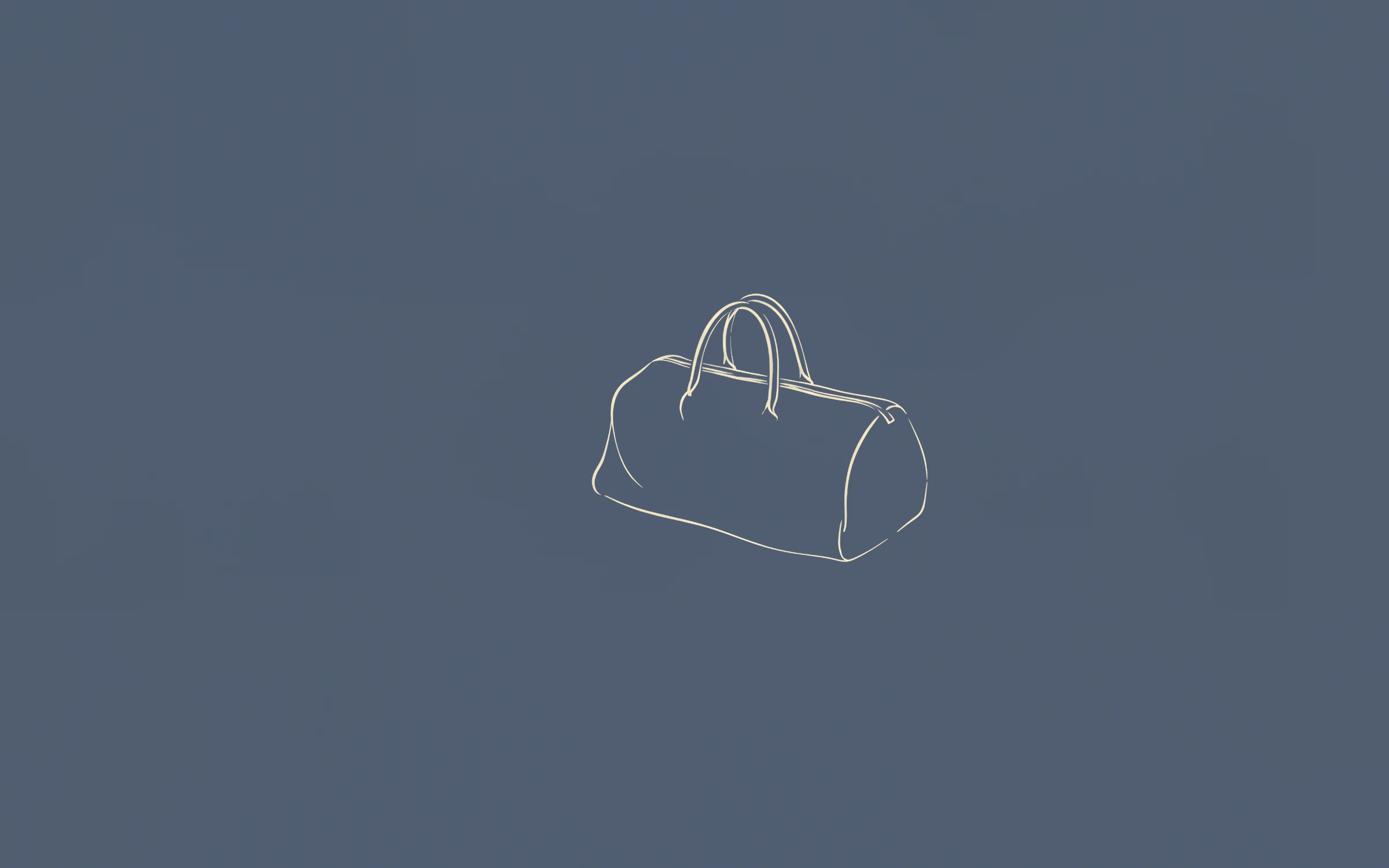
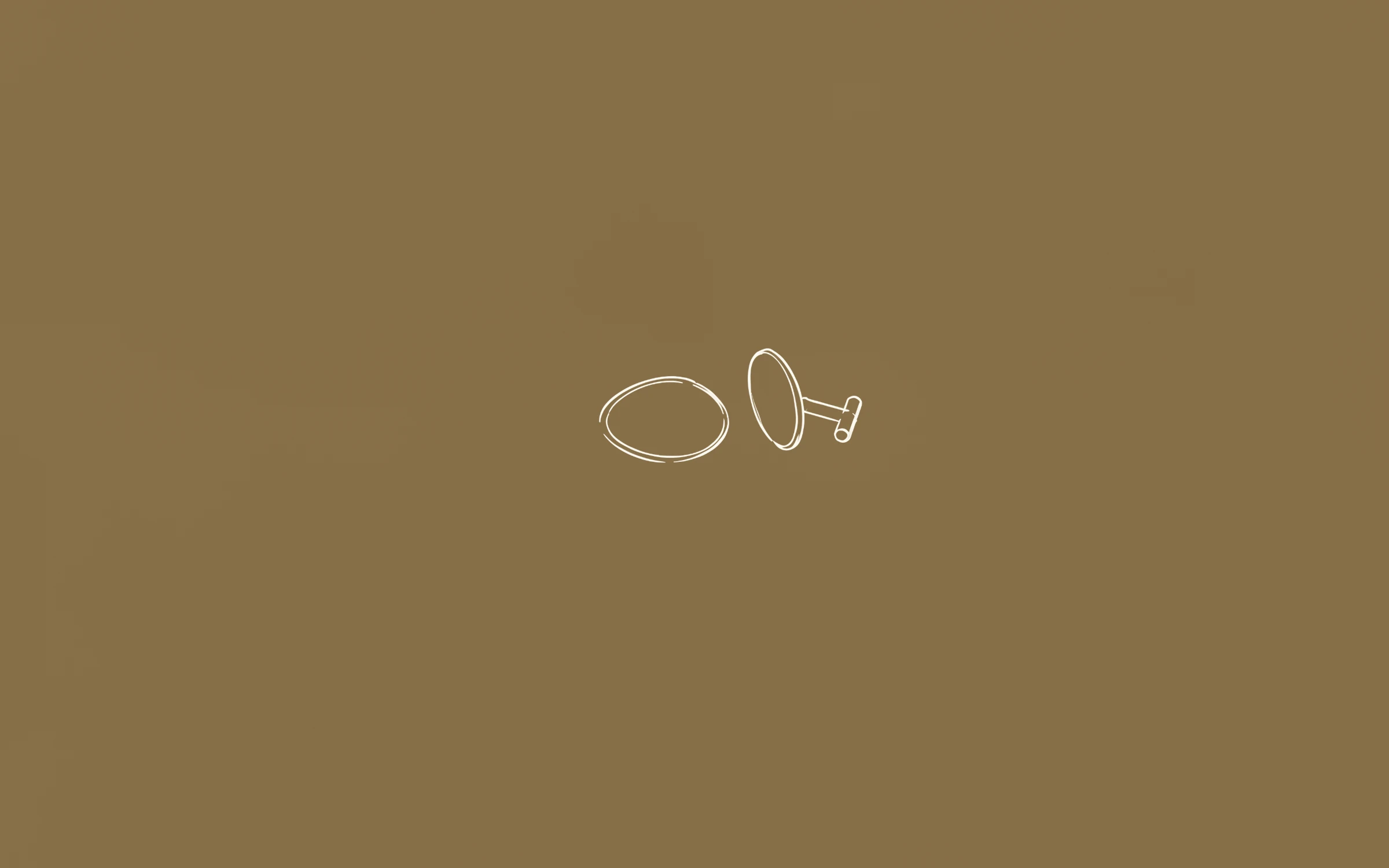
 Preview+63 more inside
L’Intégrale
Every file is 3840 × 2400 pixels. That is larger than the native resolution of every current MacBook — 2560 × 1664 on the 13-inch Air, 2880 × 1864 on the 15-inch Air, 3024 × 1964 on the 14-inch Pro and 3456 × 2234 on the 16-inch Pro — so macOS only ever scales down, and the line stays crisp.
The same files work on an external 4K or 5K display. See our MacBook wallpaper size guide for every model.
Unzip the download, open System Settings → Wallpaper and click Add Folder, then choose the folder. Pick “Fill Screen”. To rotate through a set, choose the folder and turn on rotation with the interval you like. You can also give each Space or each display its own wallpaper.
Because the drawing is small and there is plenty of open colour around it, the notch, menu bar items and Stage Manager thumbnails sit on colour rather than cutting through the drawing.
Yes. The files are larger than every MacBook Air and MacBook Pro screen, and macOS fills the display with them.
Yes — macOS lets each Space have its own wallpaper, which works nicely with a set of 23.
Also see: Line art wallpapers · Minimalist wallpapers · Aesthetic wallpapers · iPhone wallpapers · 4K desktop wallpapers · Free wallpapers
Guides: MacBook wallpaper size for every model · iPhone wallpaper size for every model · How to change your wallpaper on a Mac · How to set a wallpaper slideshow on Windows 11