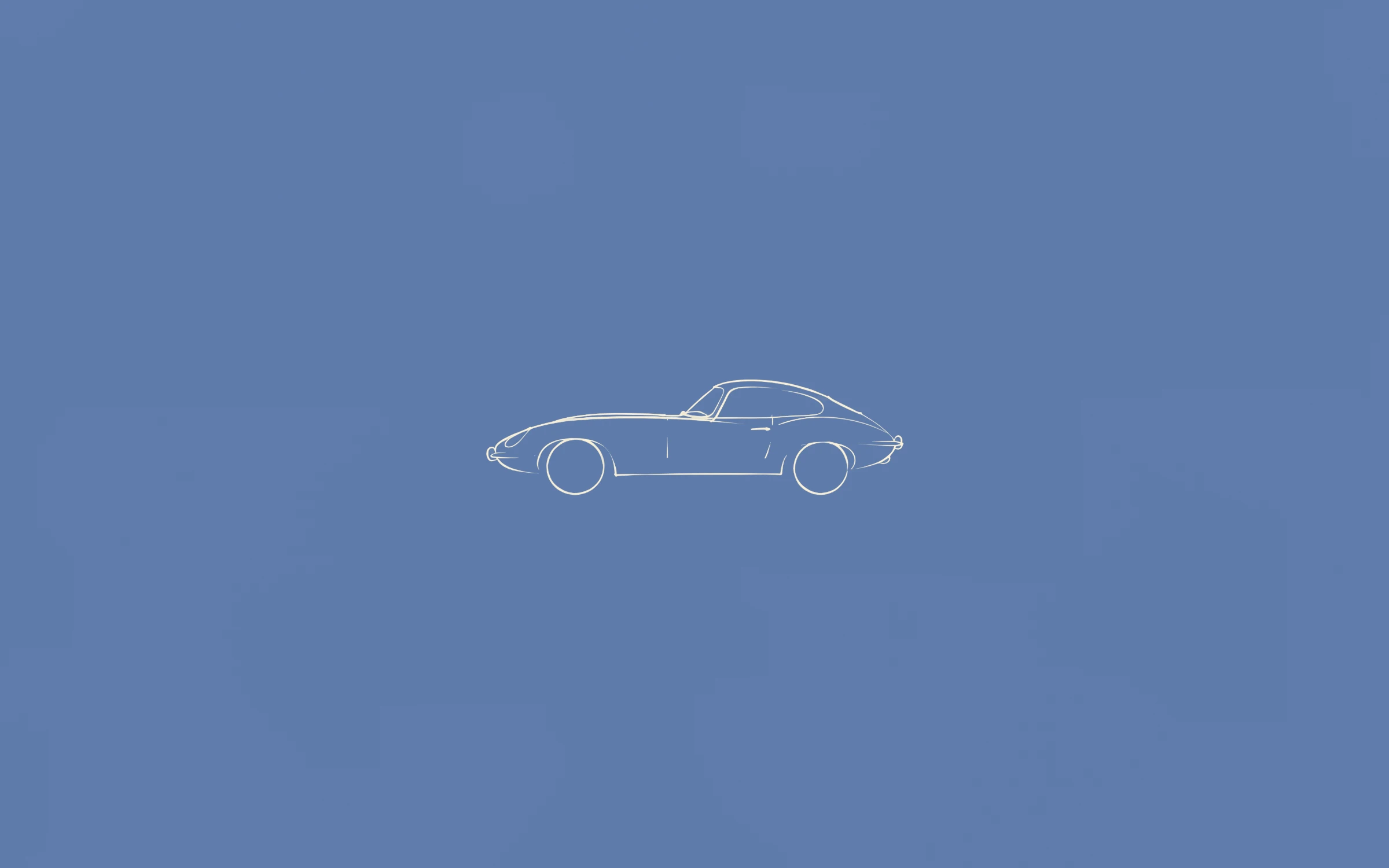
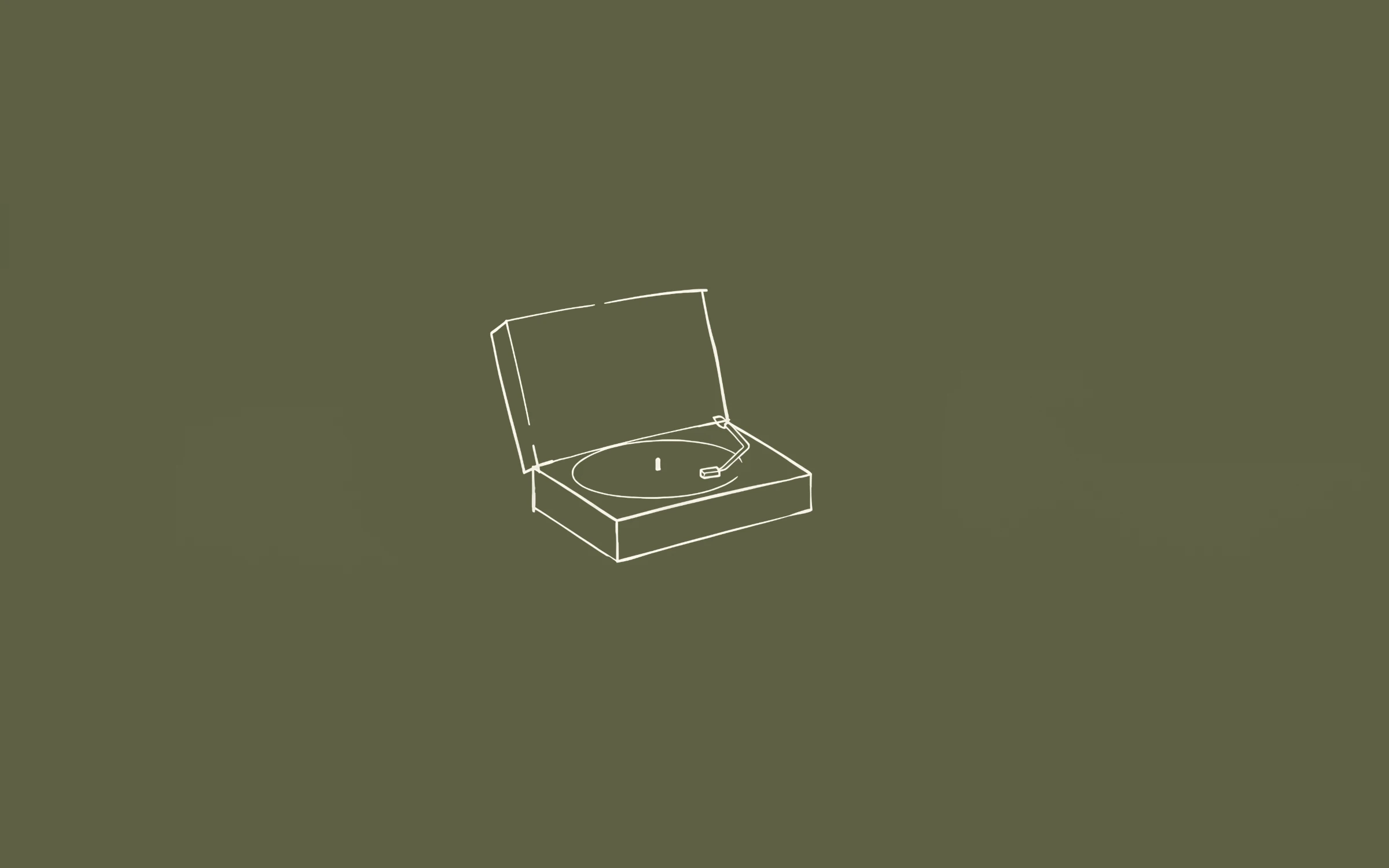
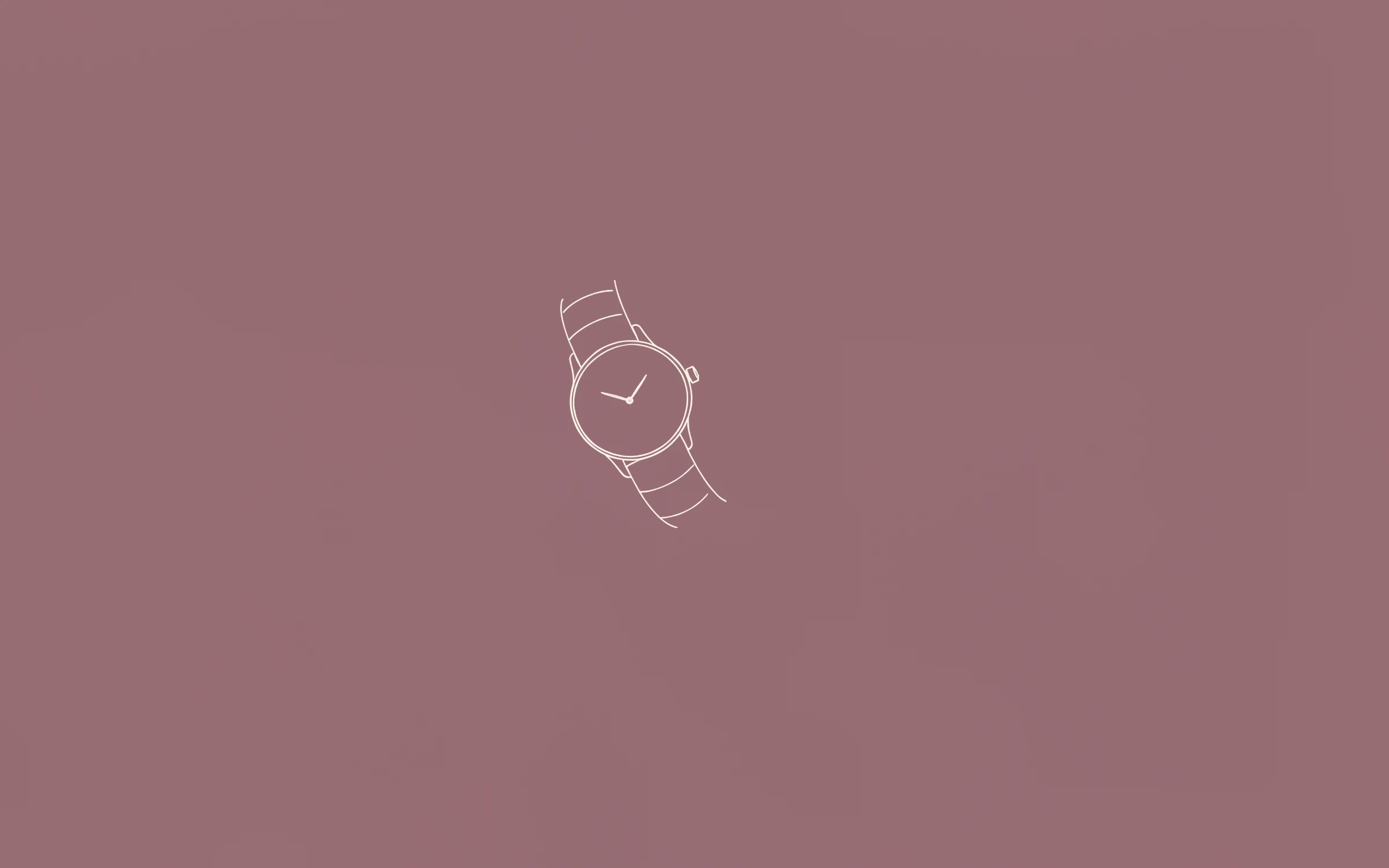
 Most PopularPreview+20 more inside
Nº1
Première
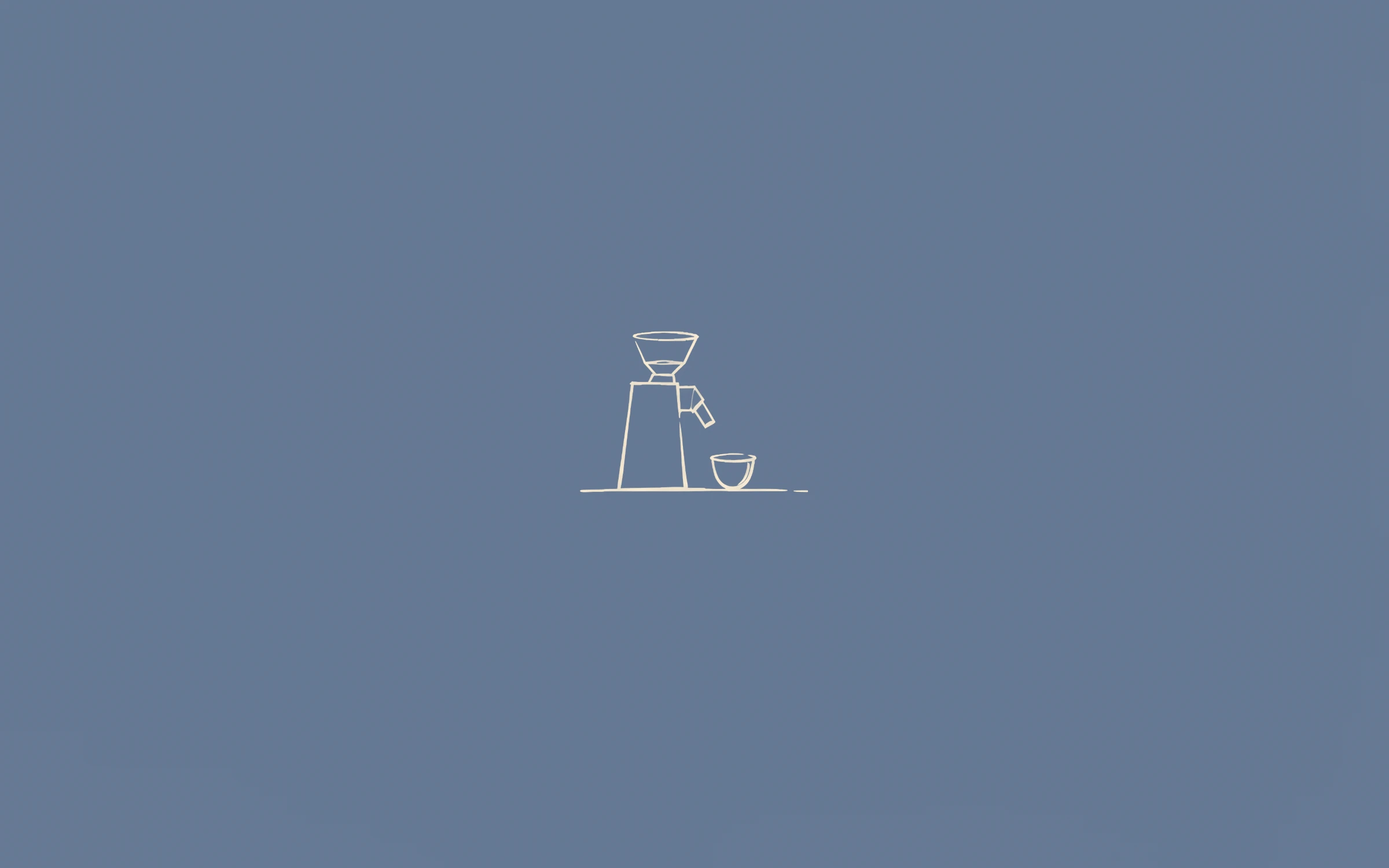
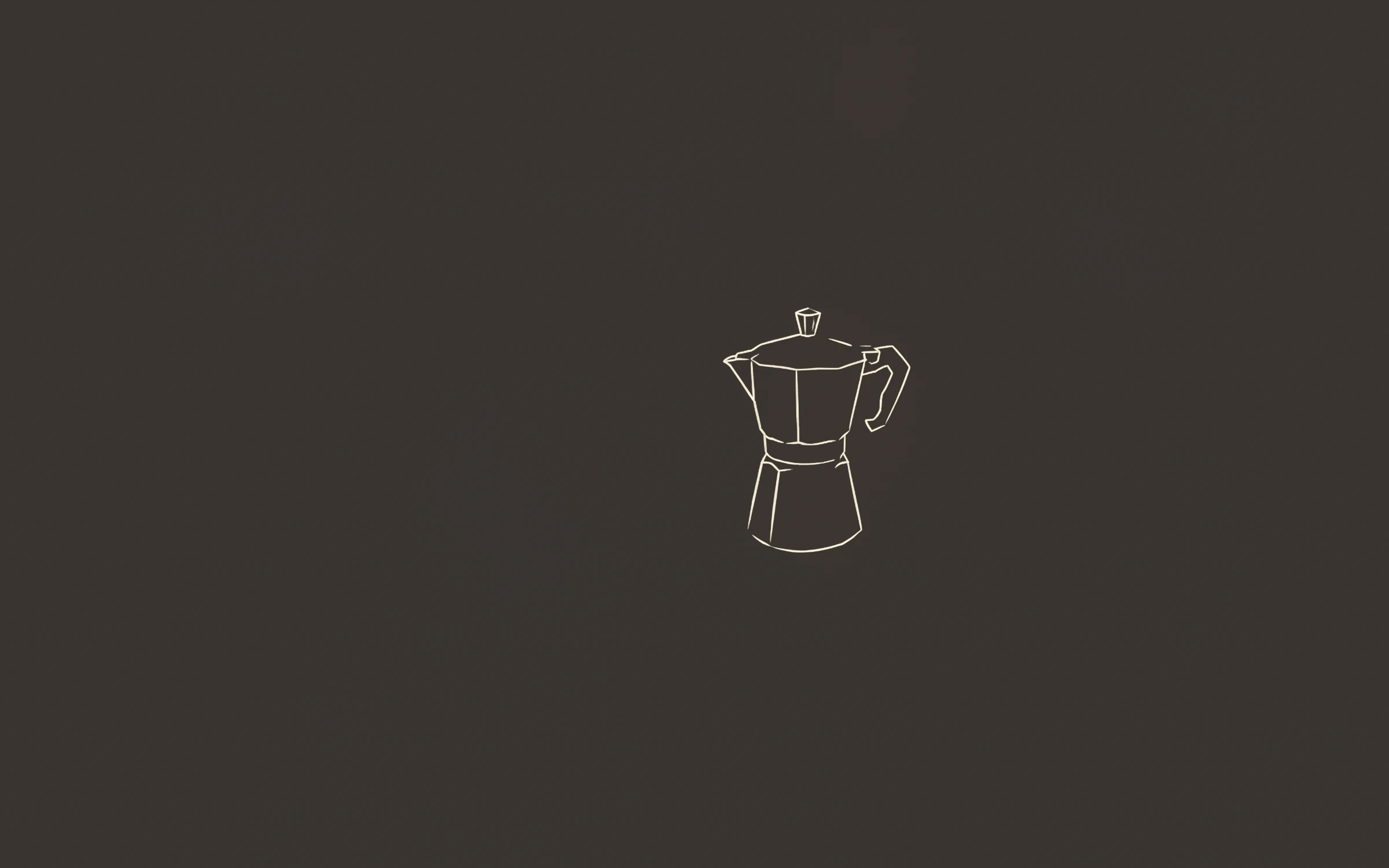
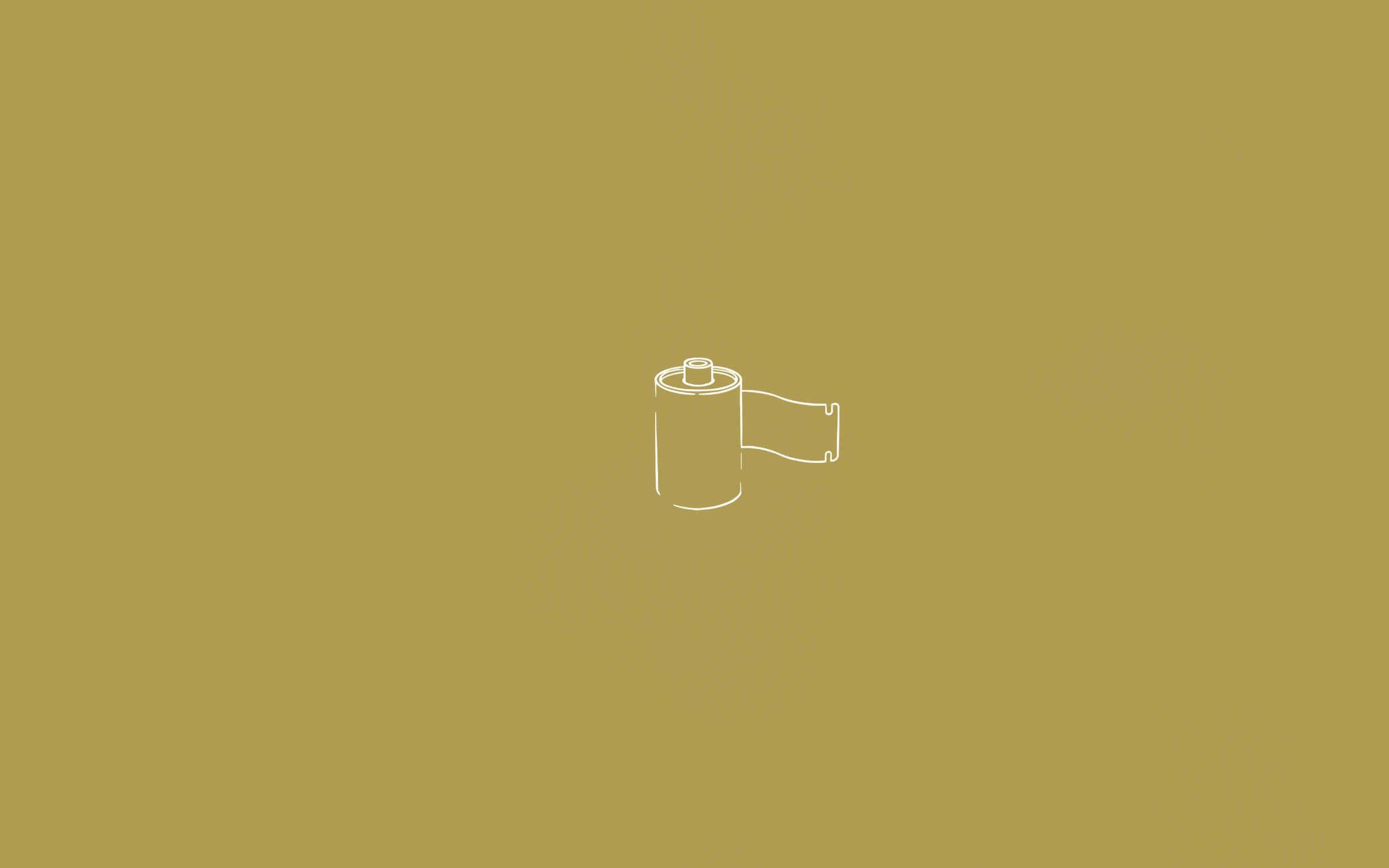
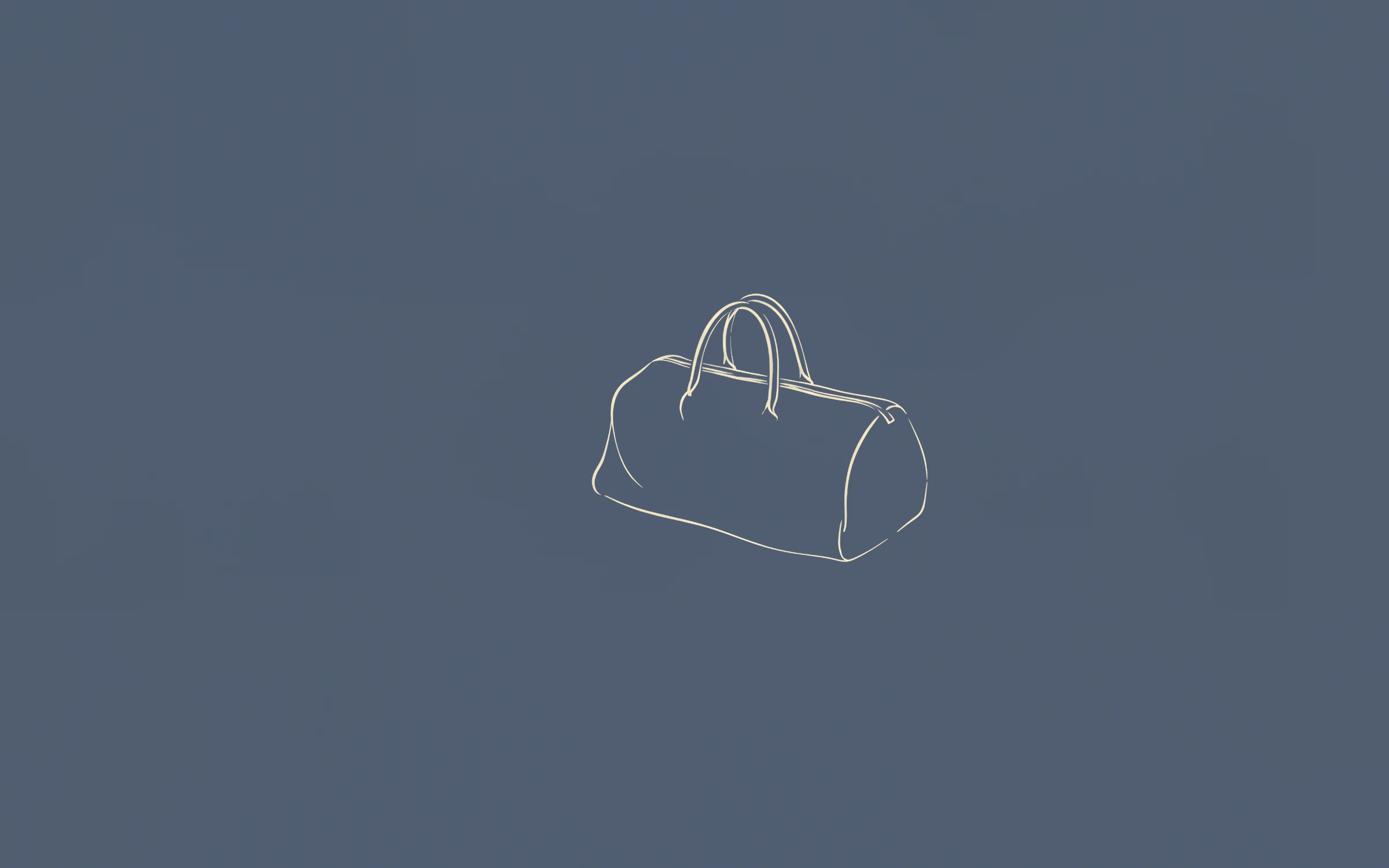
A fine line on a flat colour is the most demanding thing to put on a high-resolution screen: there is nowhere for softness to hide. Every desktop wallpaper here is 3840 × 2400.
Most PopularPreview+20 more insidePremière
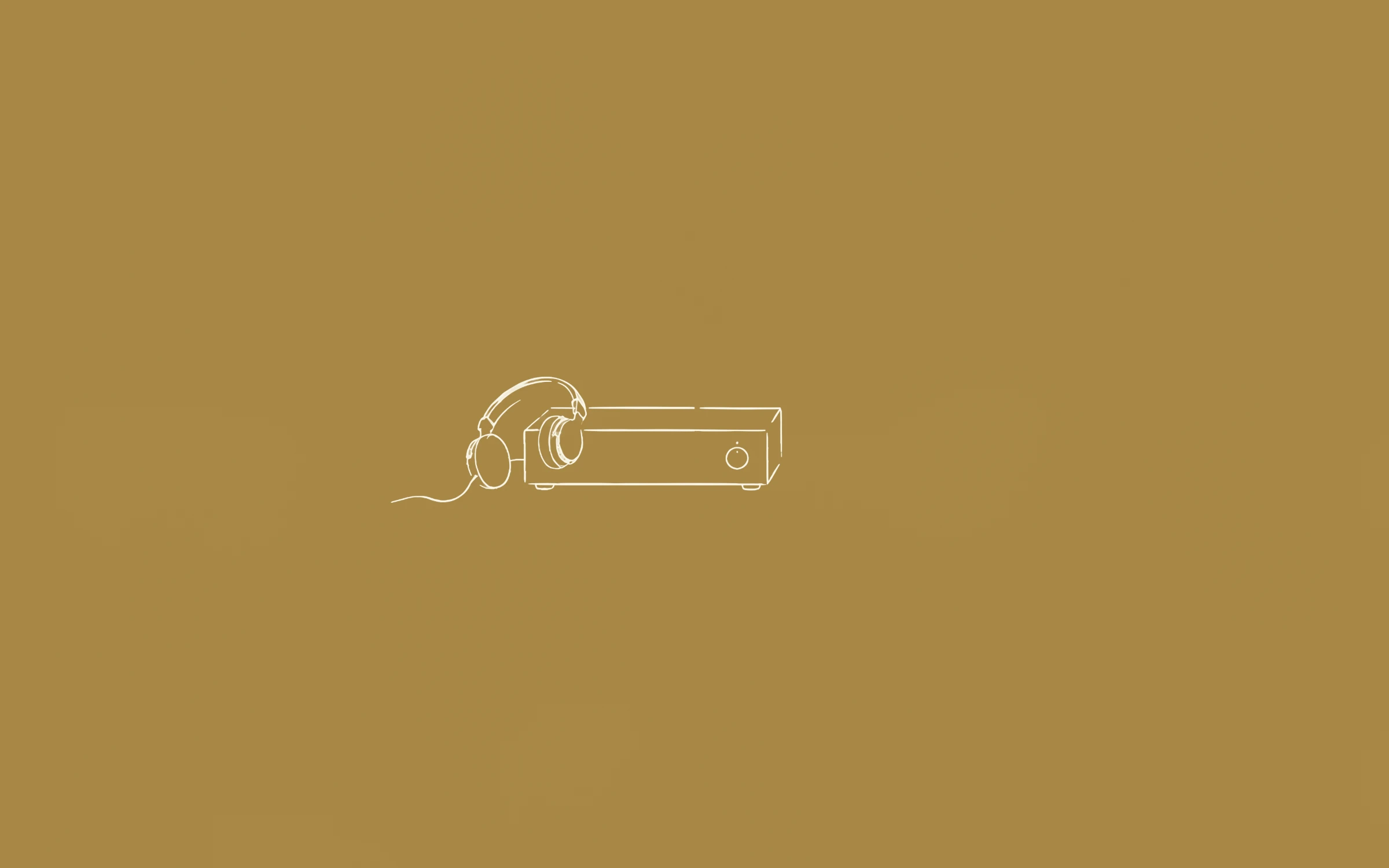
 Preview+20 more inside
Deuxième
 Preview+20 more inside
Troisième
 Preview+63 more inside
L’Intégrale
A busy photograph hides softness in its texture. A single line on flat colour cannot: any blur shows as a fuzzy edge. Full-size files mean your display only ever scales them down.
3840 × 2400 is 16:10. On a 16:9 4K UHD monitor (3840 × 2160) your system trims a thin band from the top and bottom; on 1440p and 1080p screens it scales down cleanly.
On Windows 11, right-click an image and choose “Set as desktop background”, or open Settings → Personalization → Background and choose Slideshow to rotate a folder. On a Mac, use System Settings → Wallpaper → Add Folder. Most Linux desktops accept the same files directly.
For multi-monitor setups, use different wallpapers from one set so the screens look deliberate rather than mismatched.
On a 21:9 ultrawide, choose “Fill”: the system crops the top and bottom and the extra width becomes open colour. On a 5K display the system scales the image up slightly, and the simple drawing keeps its clean edges.
No. The files you download are clean, full-resolution images.
Right after payment you land on your download page, with a zip for the whole set and single downloads. The link is also emailed to you and keeps working.
Also see: Line art wallpapers · Minimalist wallpapers · Aesthetic wallpapers · MacBook wallpapers · iPhone wallpapers · Free wallpapers
Guides: MacBook wallpaper size for every model · iPhone wallpaper size for every model · How to change your wallpaper on a Mac · How to set a wallpaper slideshow on Windows 11