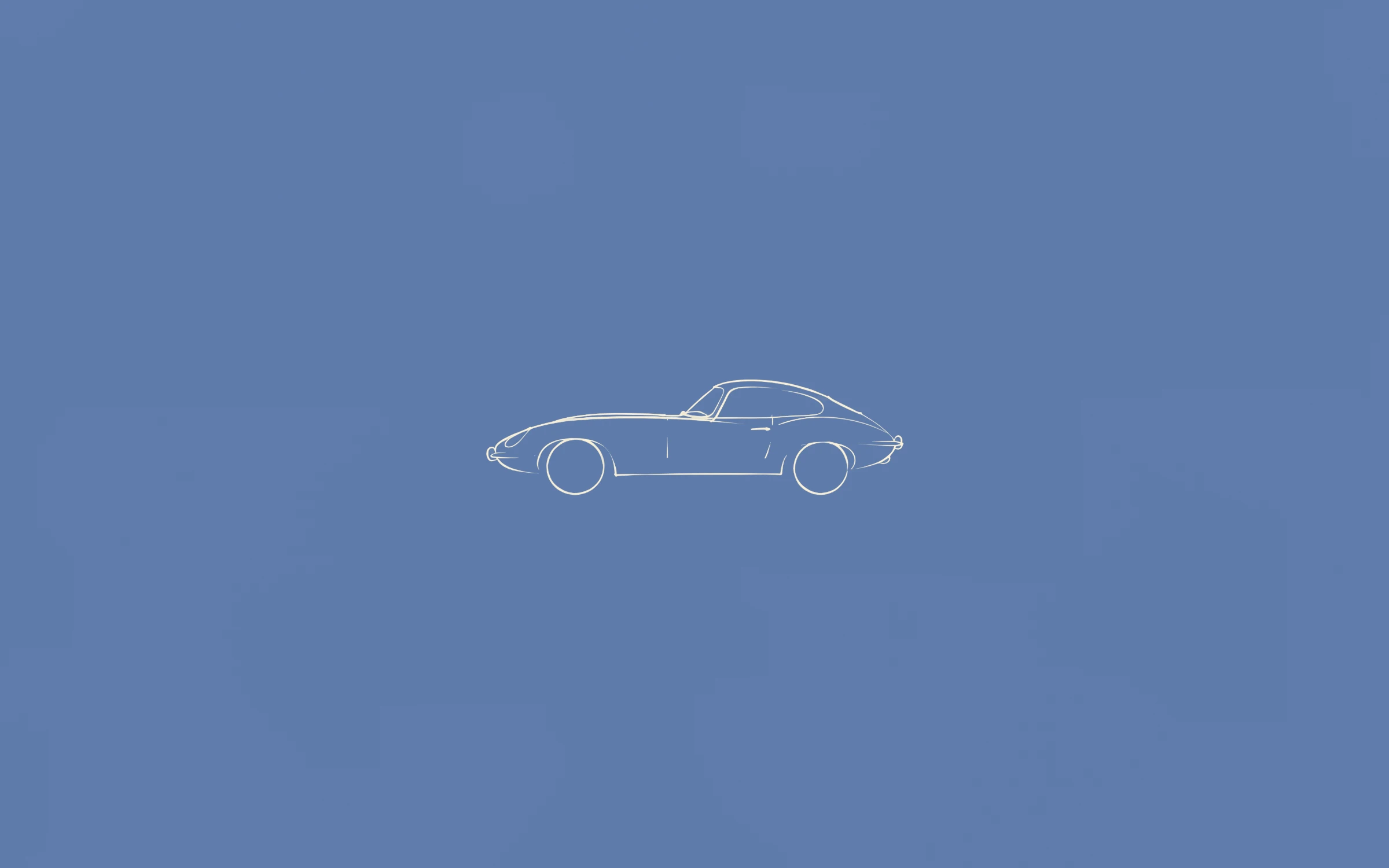
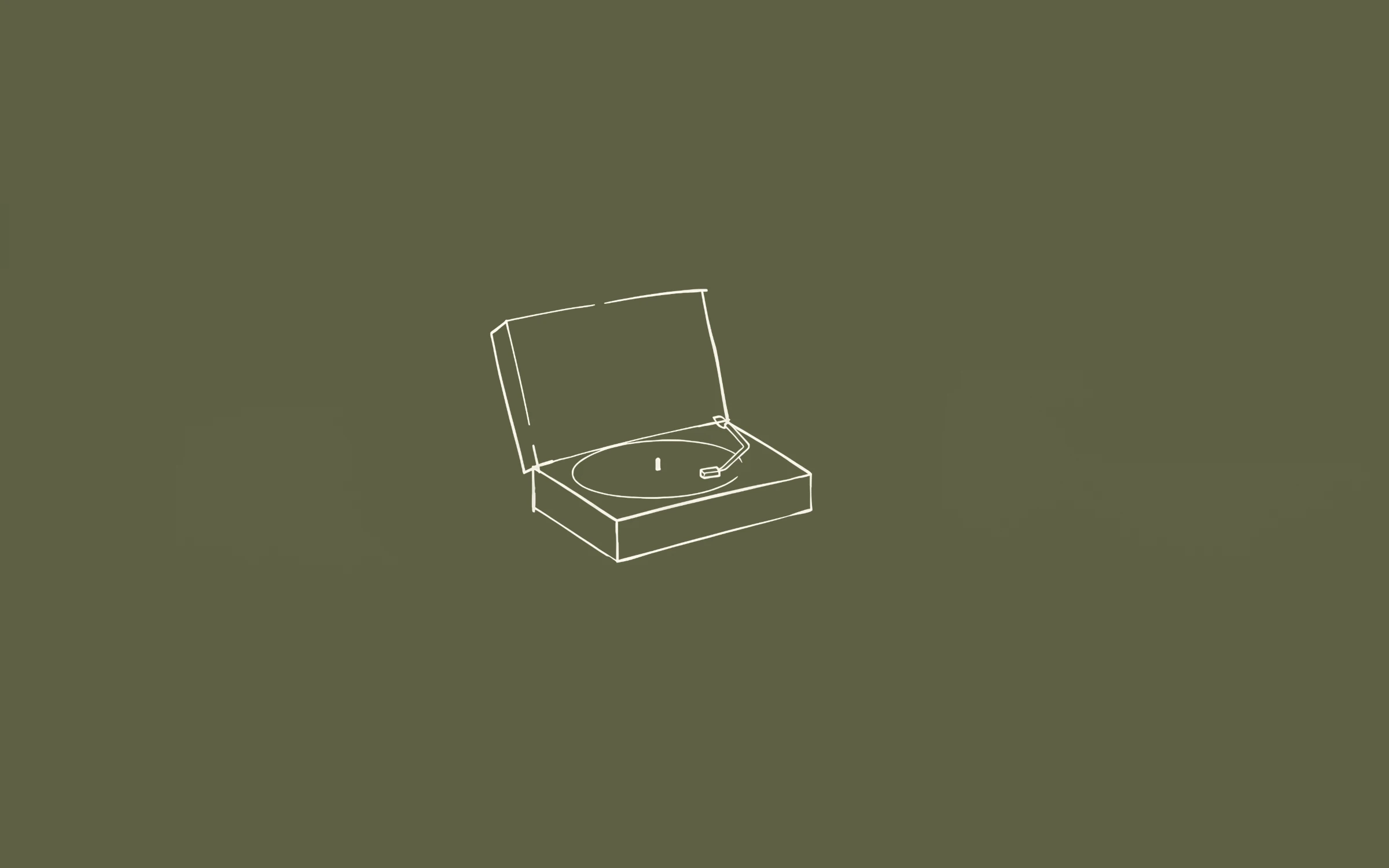
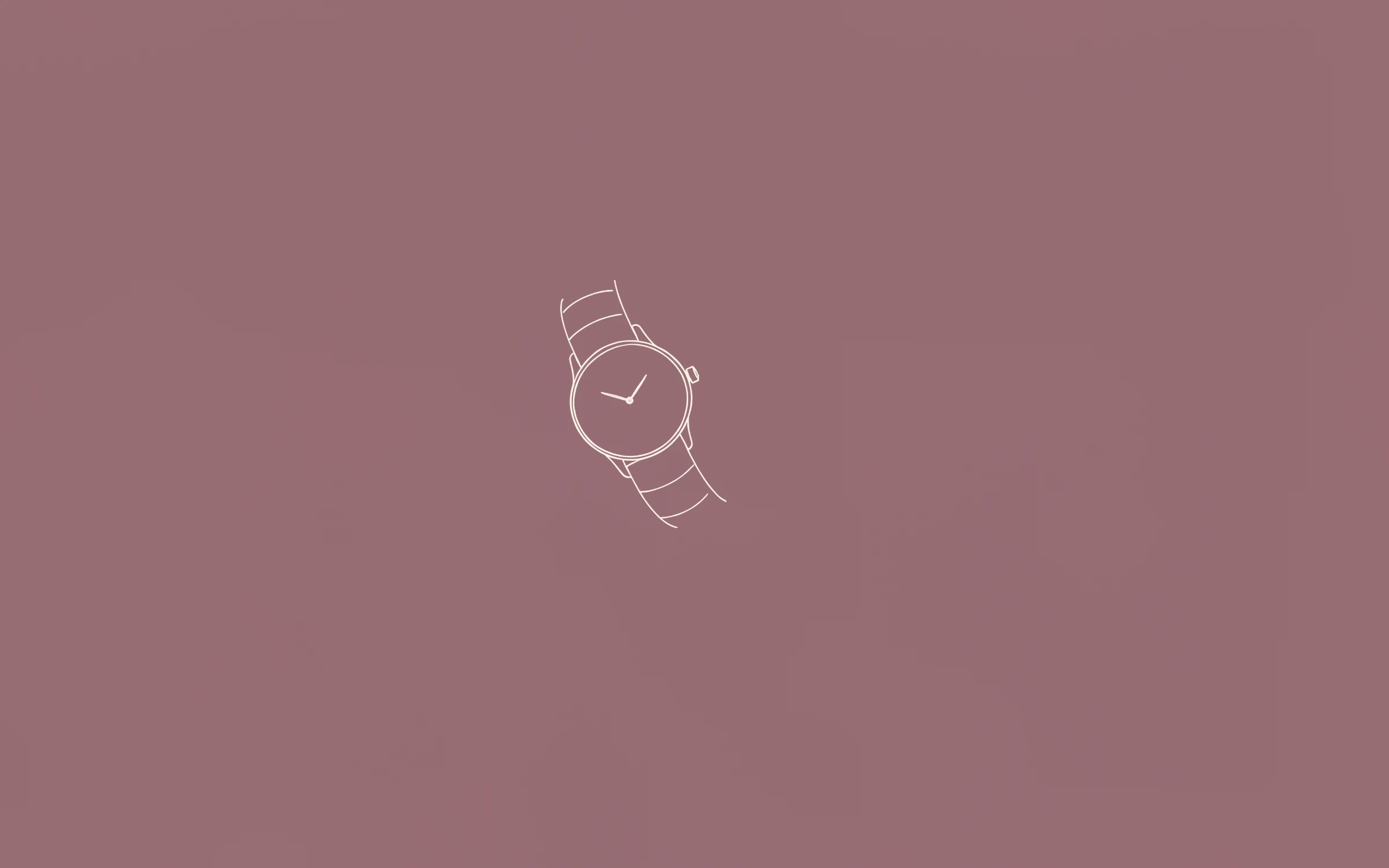
 Most PopularPreview+20 more inside
Nº1
Première
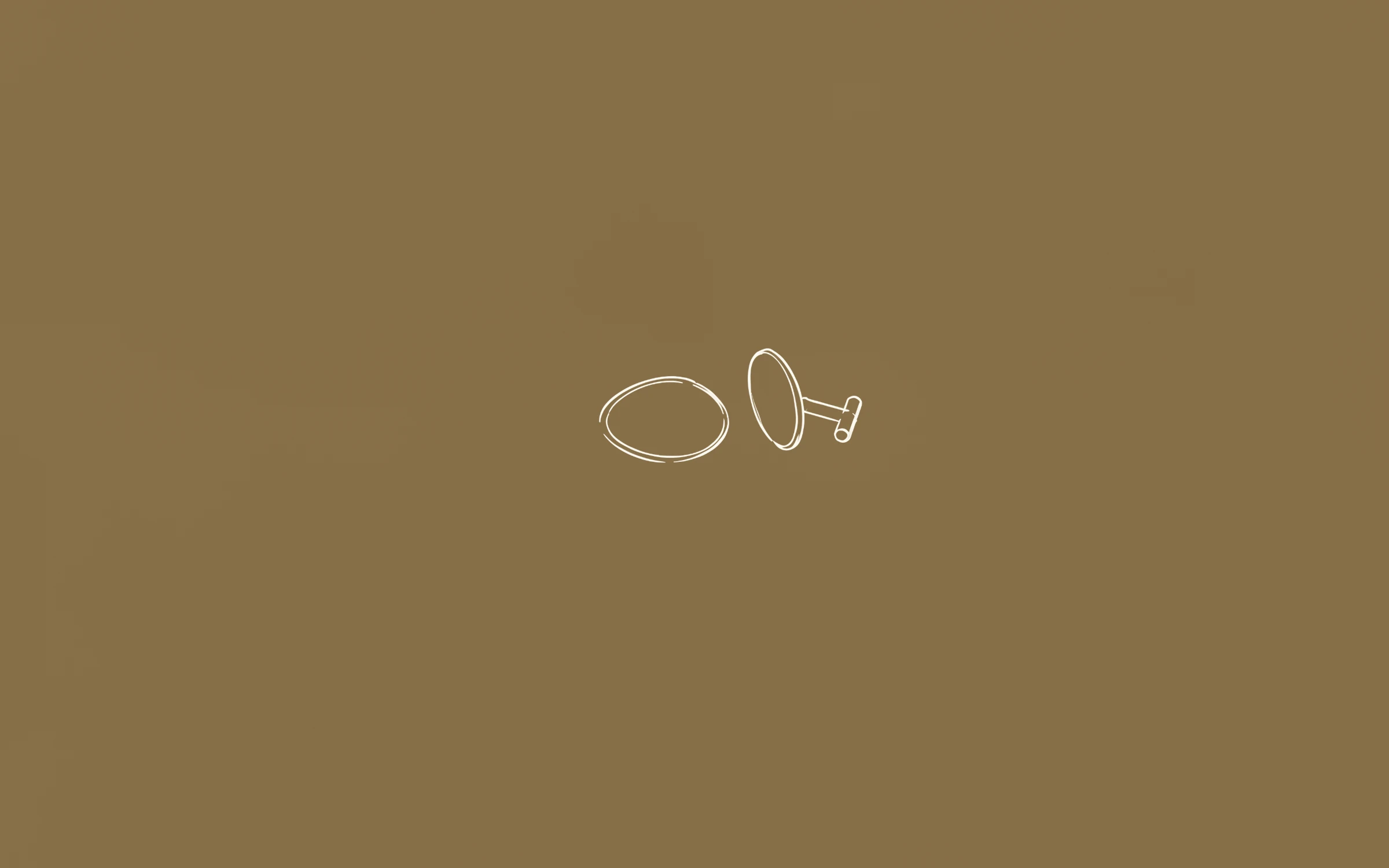
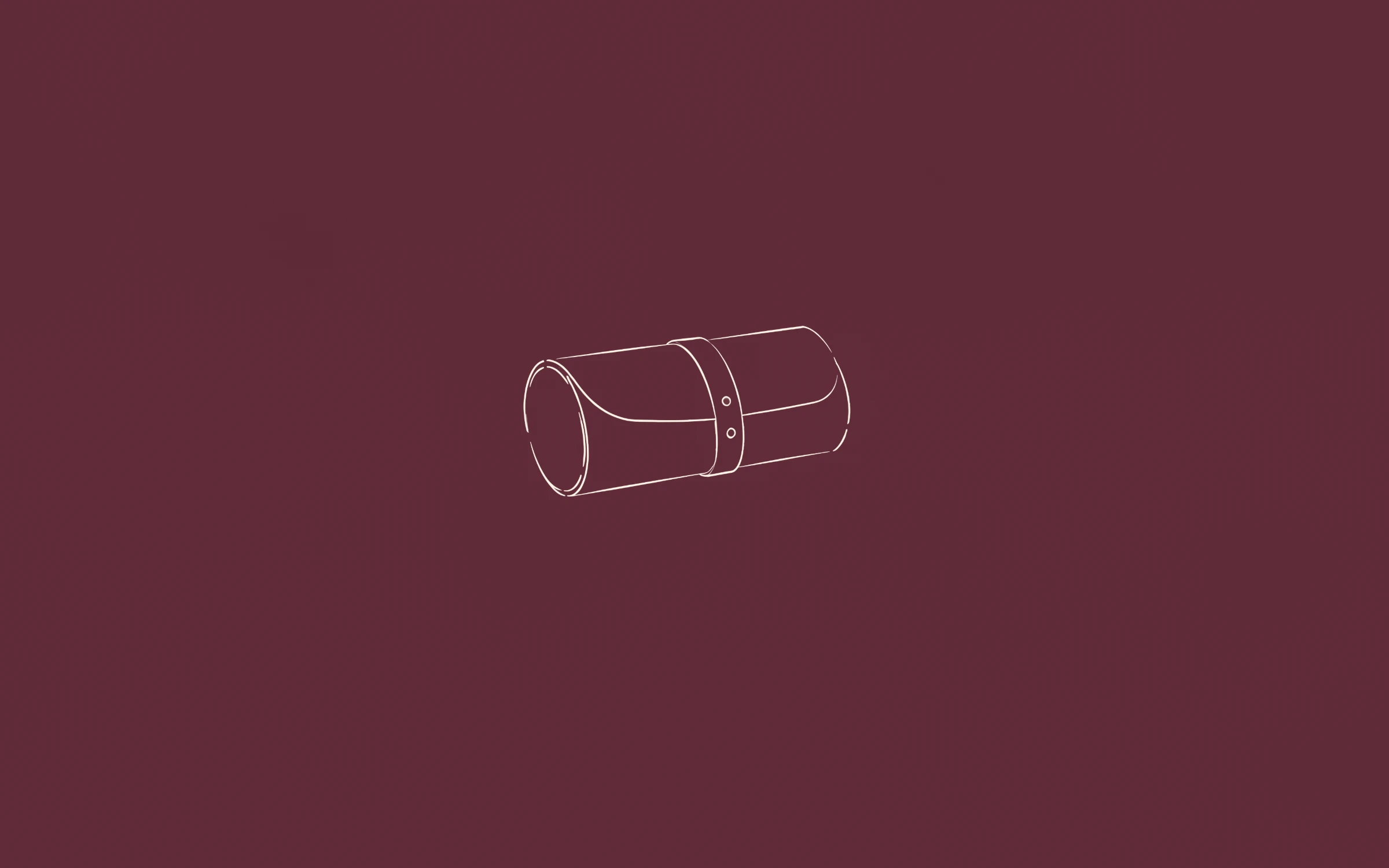
Most of the time you are not looking at your wallpaper — you are looking at what is on top of it. These are made for that: a calm field of colour with one small drawing, so the screen feels considered without asking for attention.
Most PopularPreview+20 more insidePremière
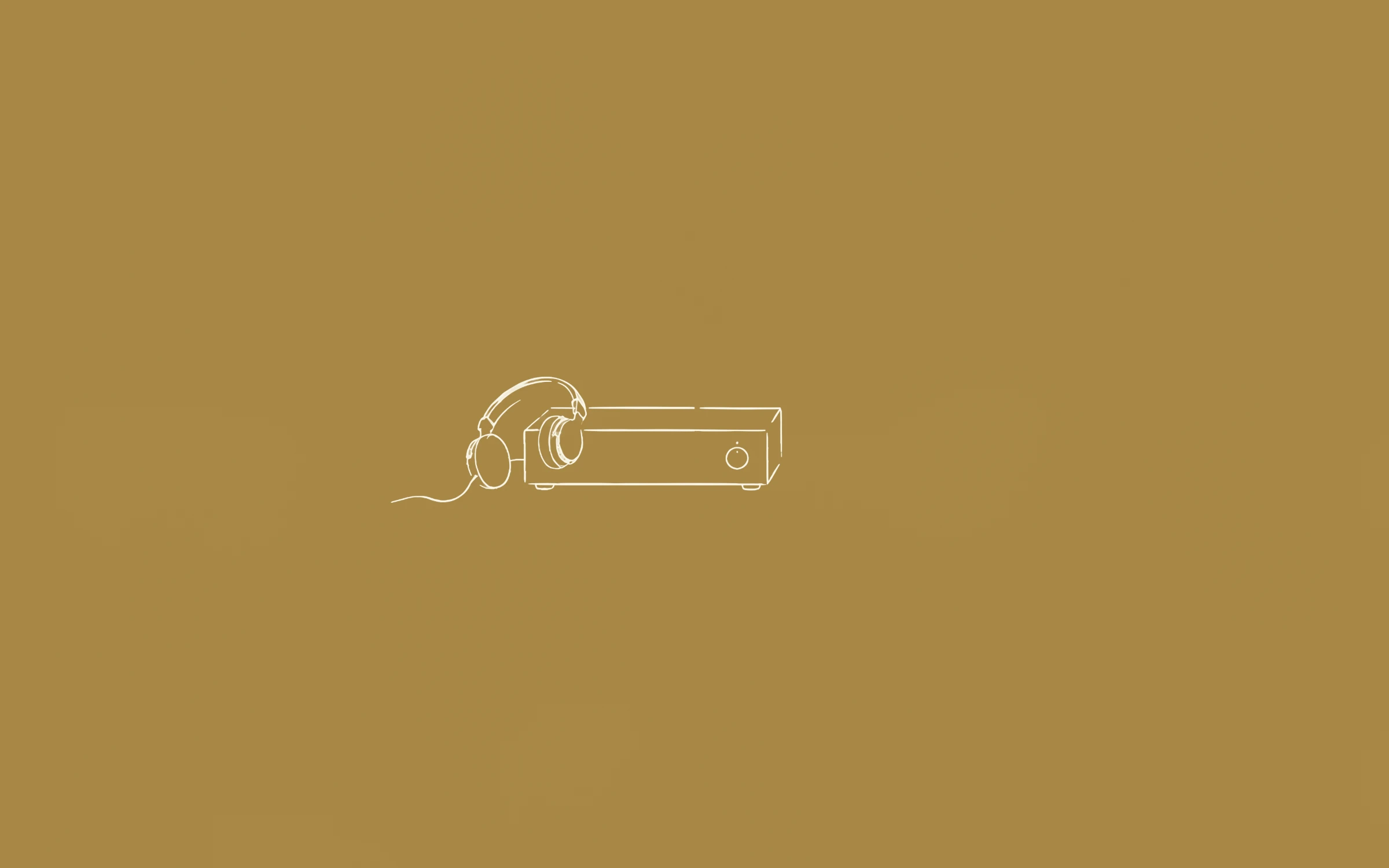
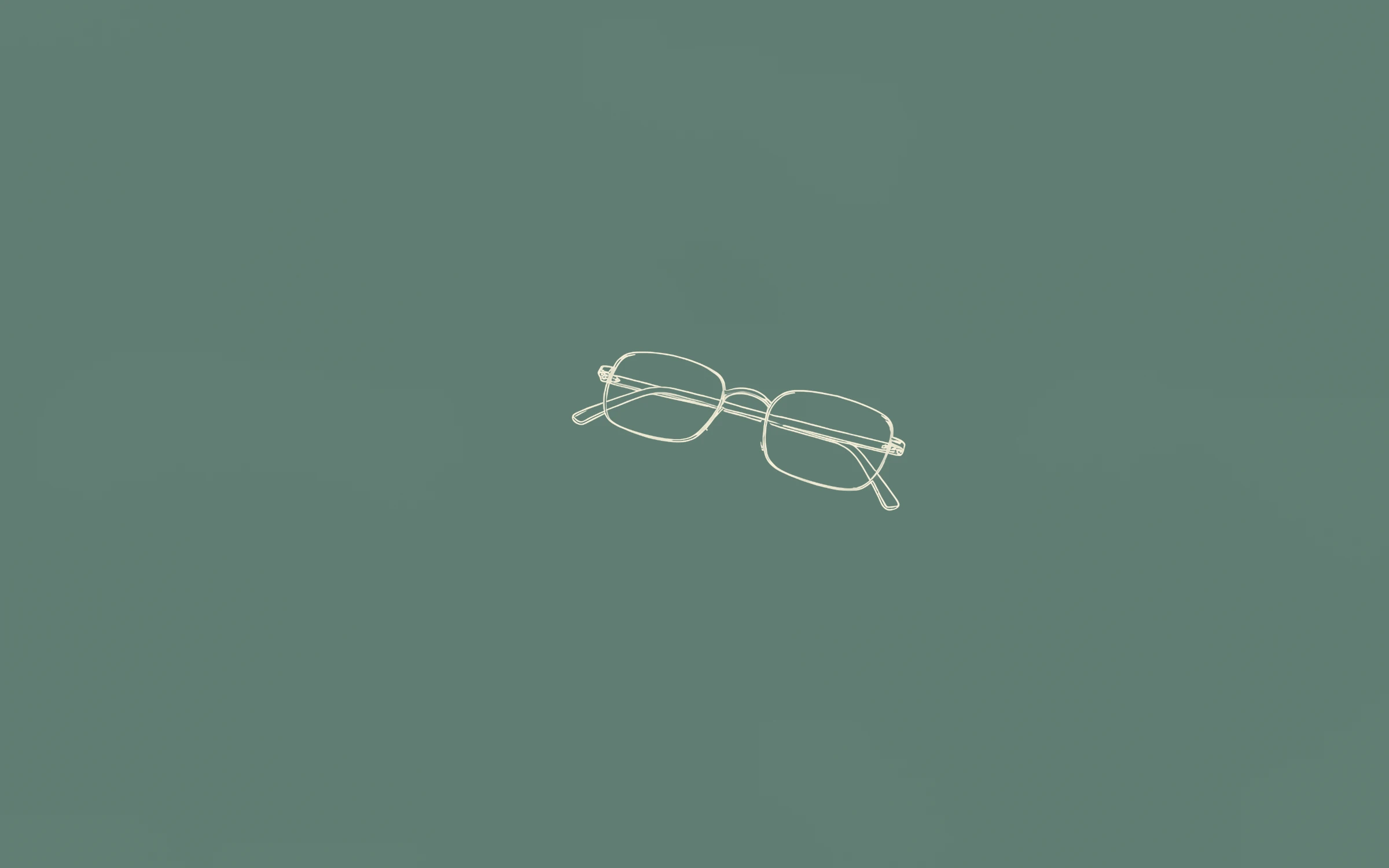
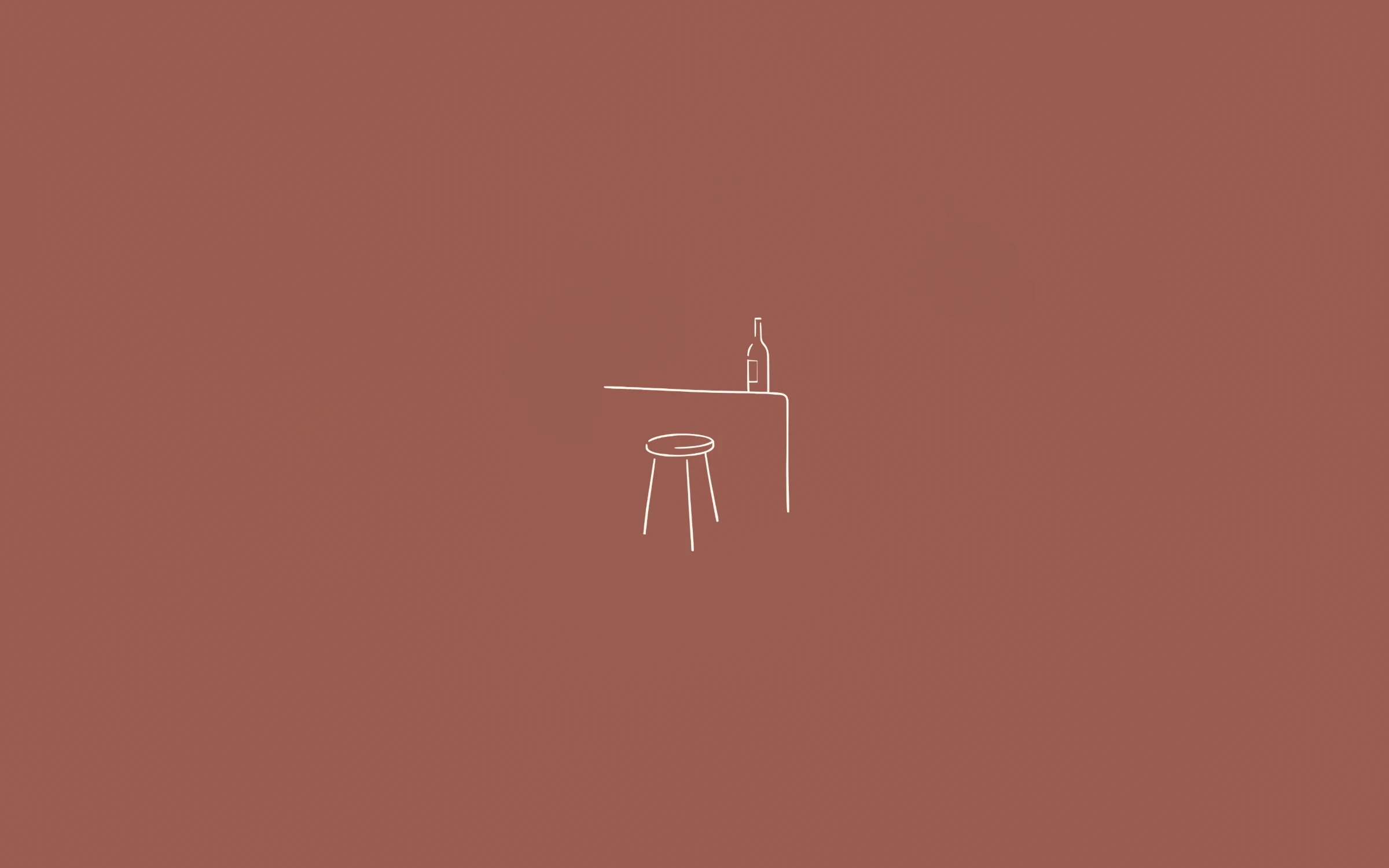 Preview+20 more inside
Deuxième
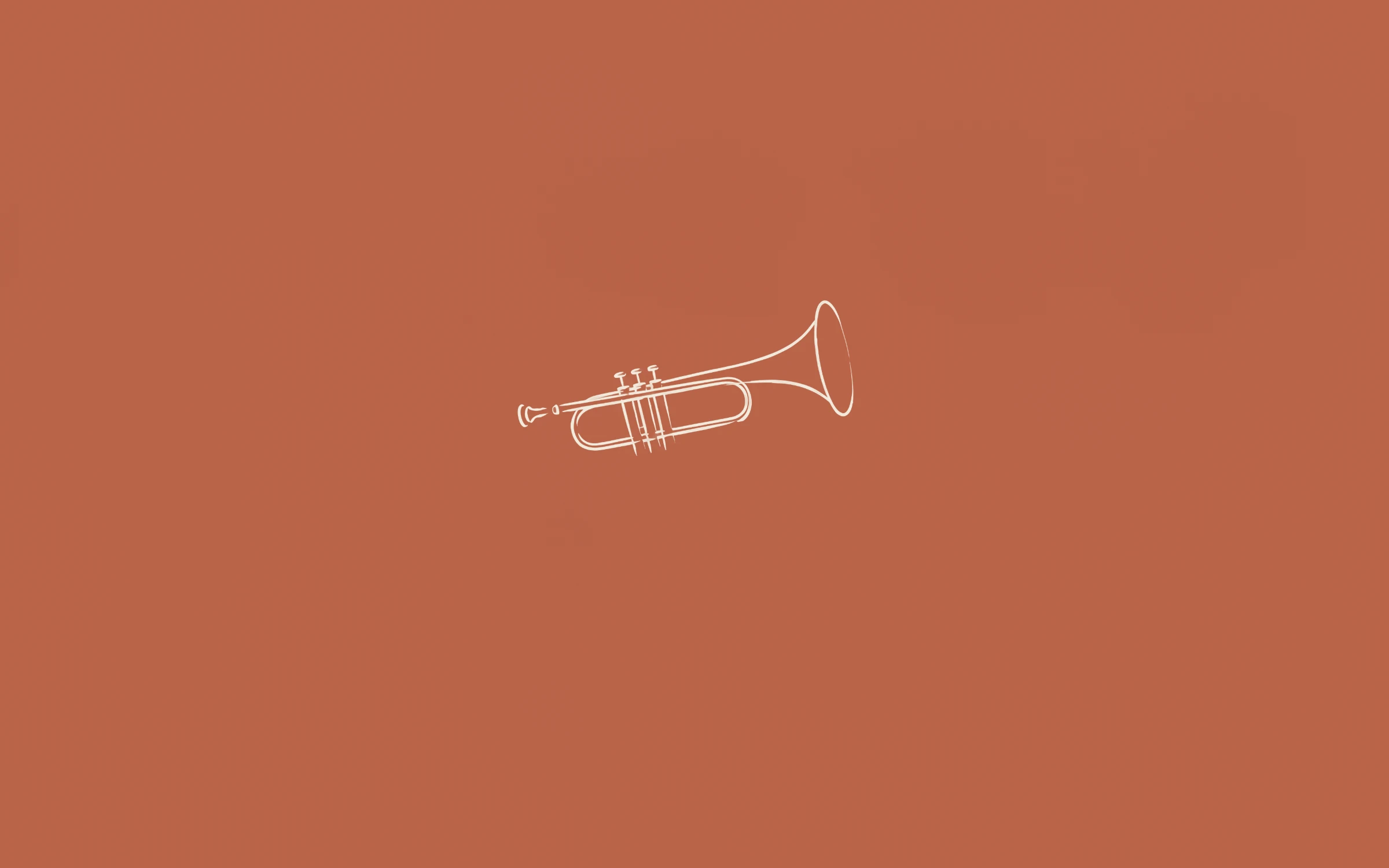
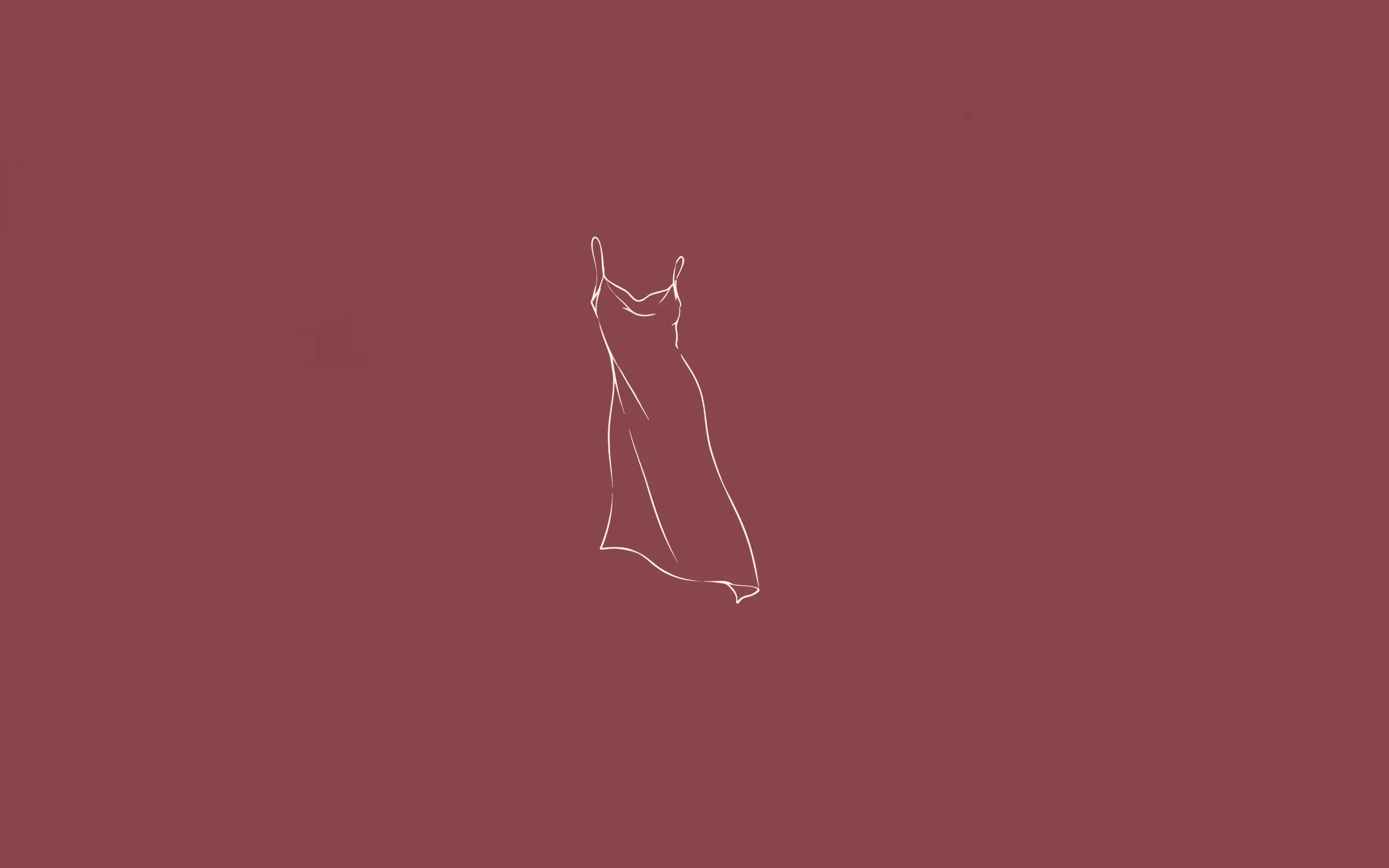
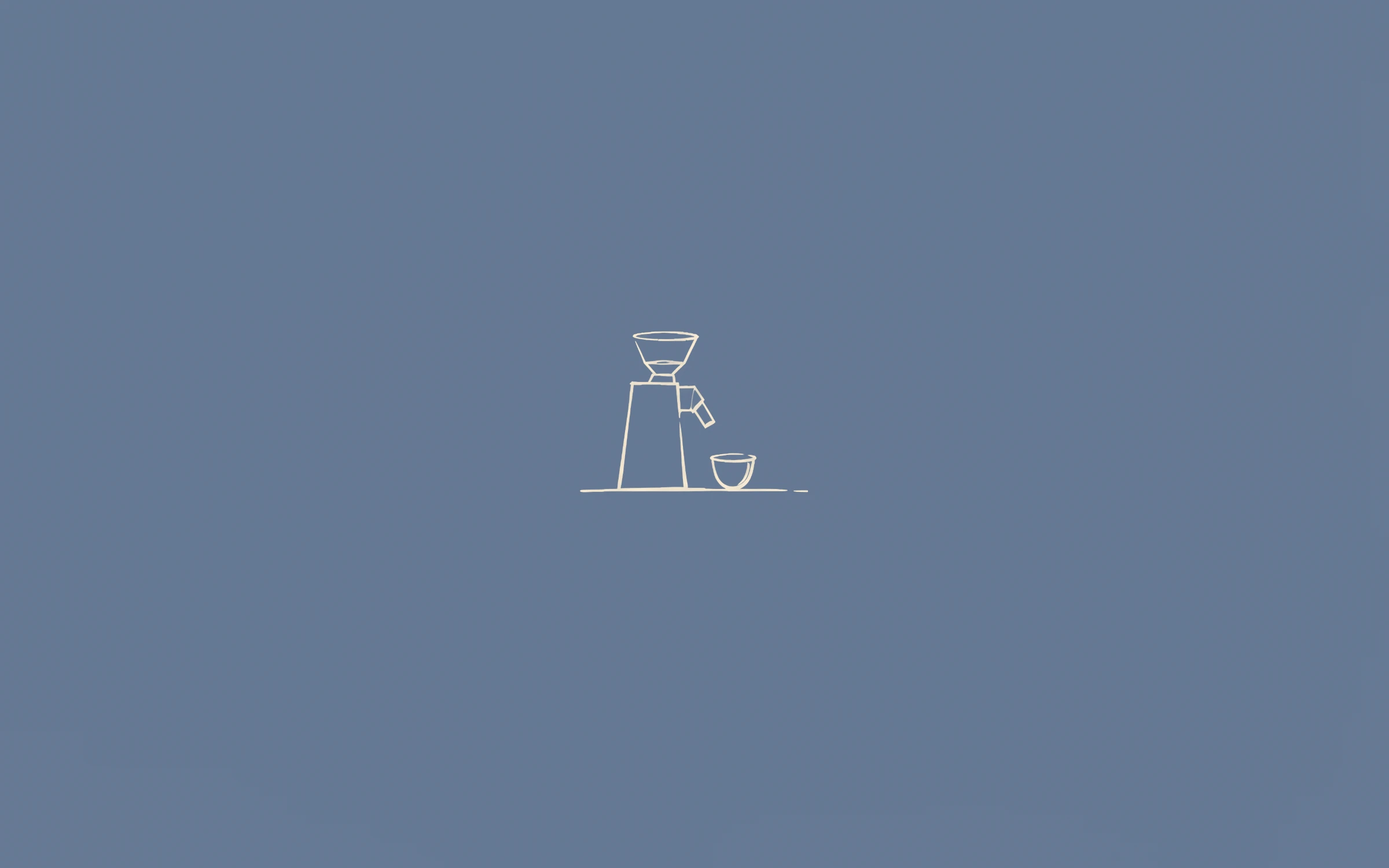 Preview+20 more inside
Troisième
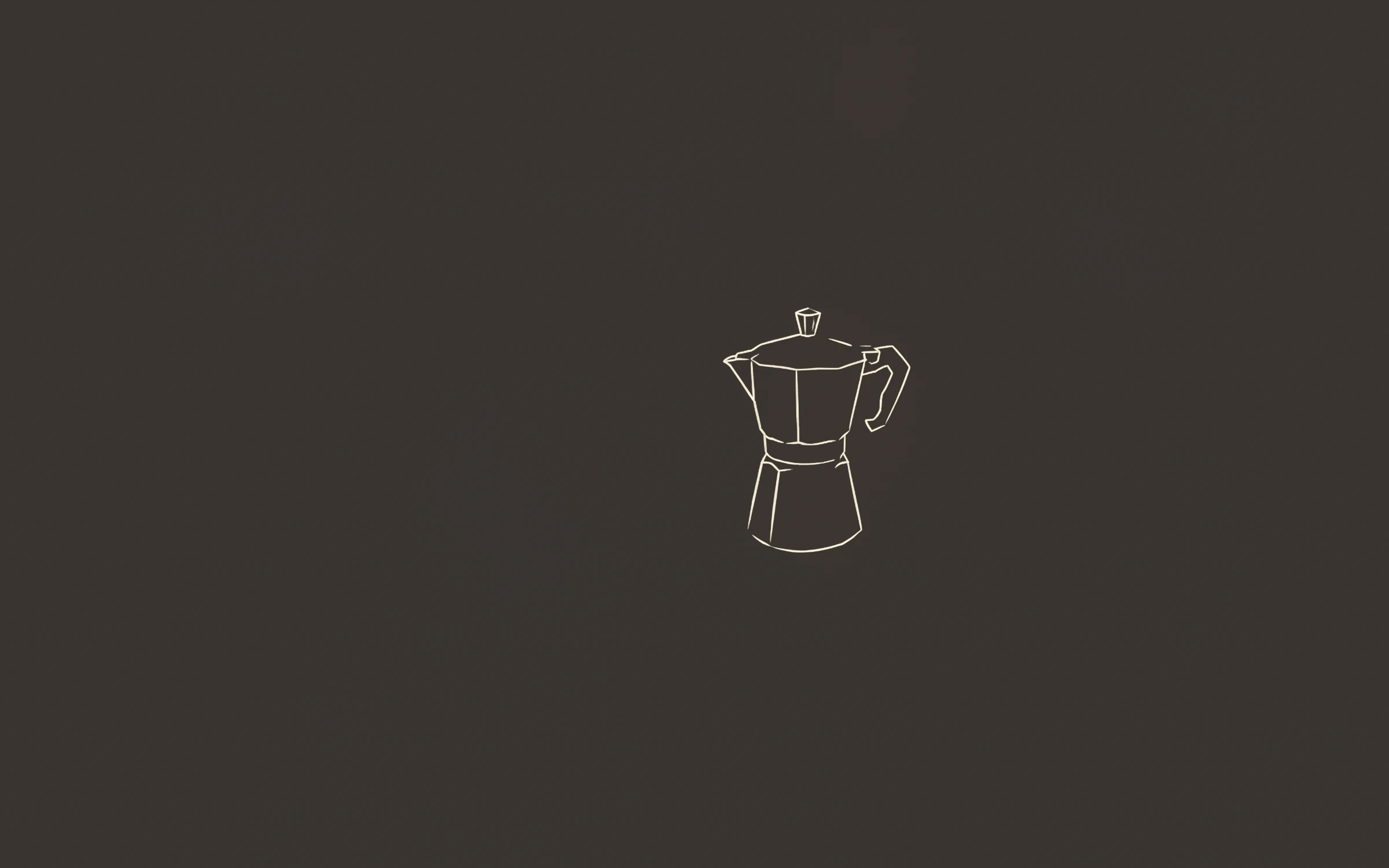
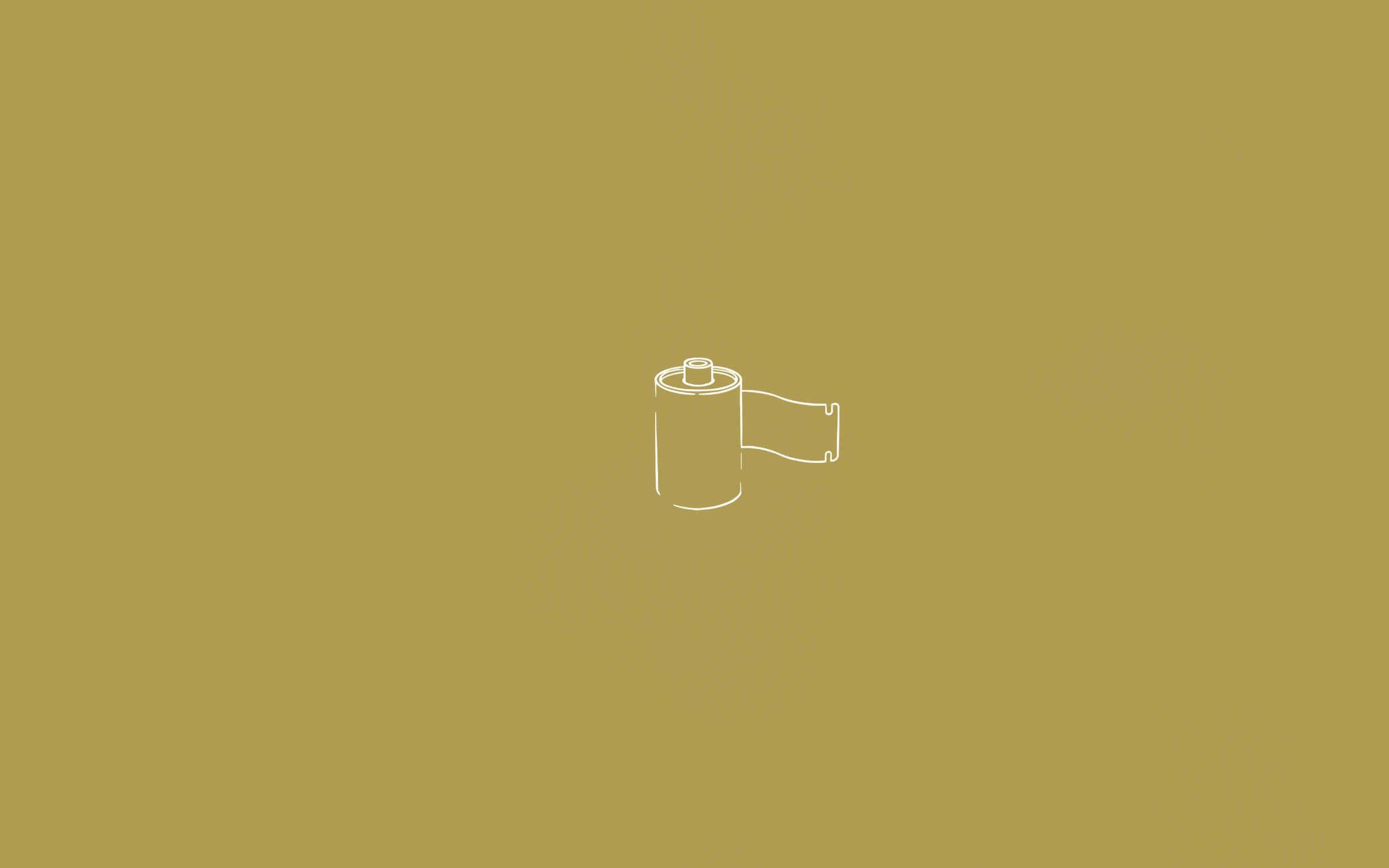
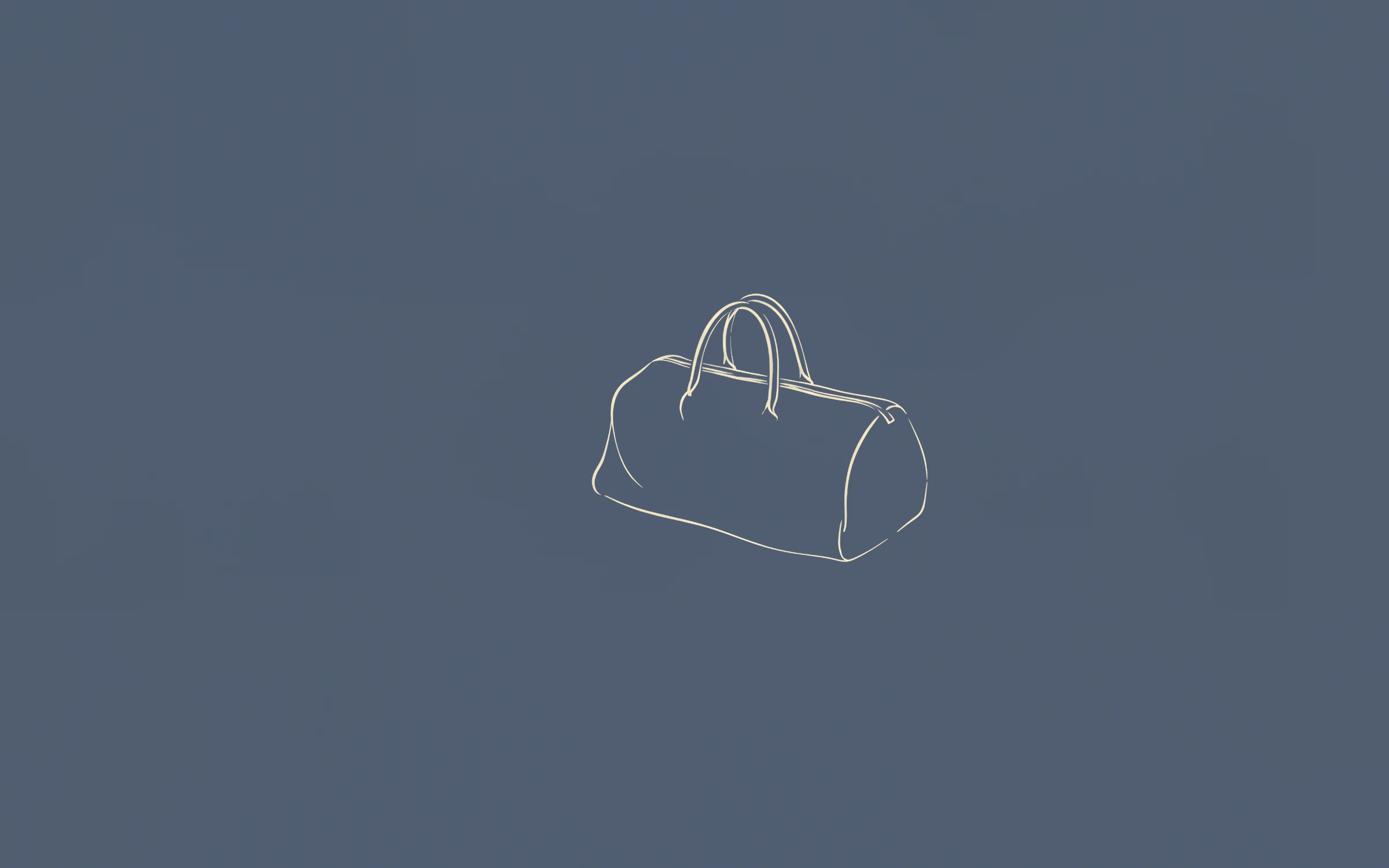
 Preview+63 more inside
L’Intégrale
A blank colour is restful for a day, then it starts to feel unfinished. One small object gives the eye somewhere to land when you clear your windows, and makes the screen feel like yours. Open a window and the wallpaper simply becomes a colour again.
Because the drawing is small, it survives a dock, a menu bar, desktop icons and a few widgets without being lost behind them.
Muted mid-tones are the easiest to keep all day. Warm grounds like mustard and terracotta feel softer in the evening; cooler sage and dusty blue look crisp next to bright light-mode apps. If you change your mind often, the Complete Collection gives you all 69 and lets you rotate through them.
On a Mac, point System Settings → Wallpaper at a folder and let it rotate every hour or every day. On Windows, use Personalization → Background → Slideshow. Our step-by-step guides cover both.
There are no logos or watermarks on the files you buy, and no subscription: one price per set and a download link that keeps working.
The files are 3840 × 2400, so the line stays sharp on large and high-resolution displays, and the drawing reads clearly from your chair without dominating it.
Yes. The grounds are mid-tones rather than bright colours, so they sit comfortably next to dark-mode apps.
Also see: Line art wallpapers · Aesthetic wallpapers · MacBook wallpapers · iPhone wallpapers · 4K desktop wallpapers · Free wallpapers
Guides: MacBook wallpaper size for every model · iPhone wallpaper size for every model · How to change your wallpaper on a Mac · How to set a wallpaper slideshow on Windows 11